Oyren vs Cursor

Oyren adds project boards, working notes and a browser workspace around the codebase.

  • Own Codespace
  • Cards for coding agents
  • Notes and mind maps
Start freeSee plans

Free workspace. Cloud Codespace time and AI usage are metered separately.

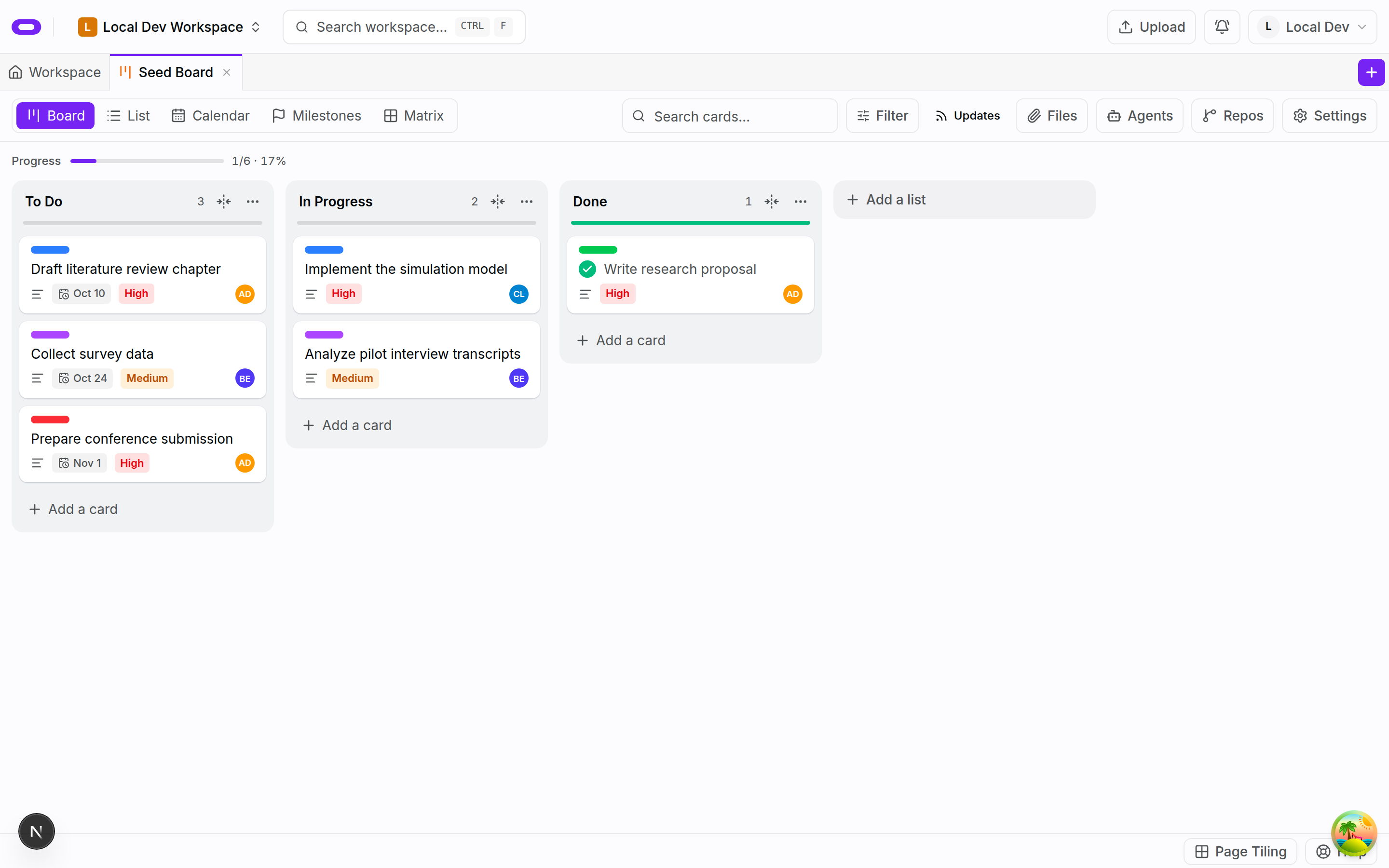
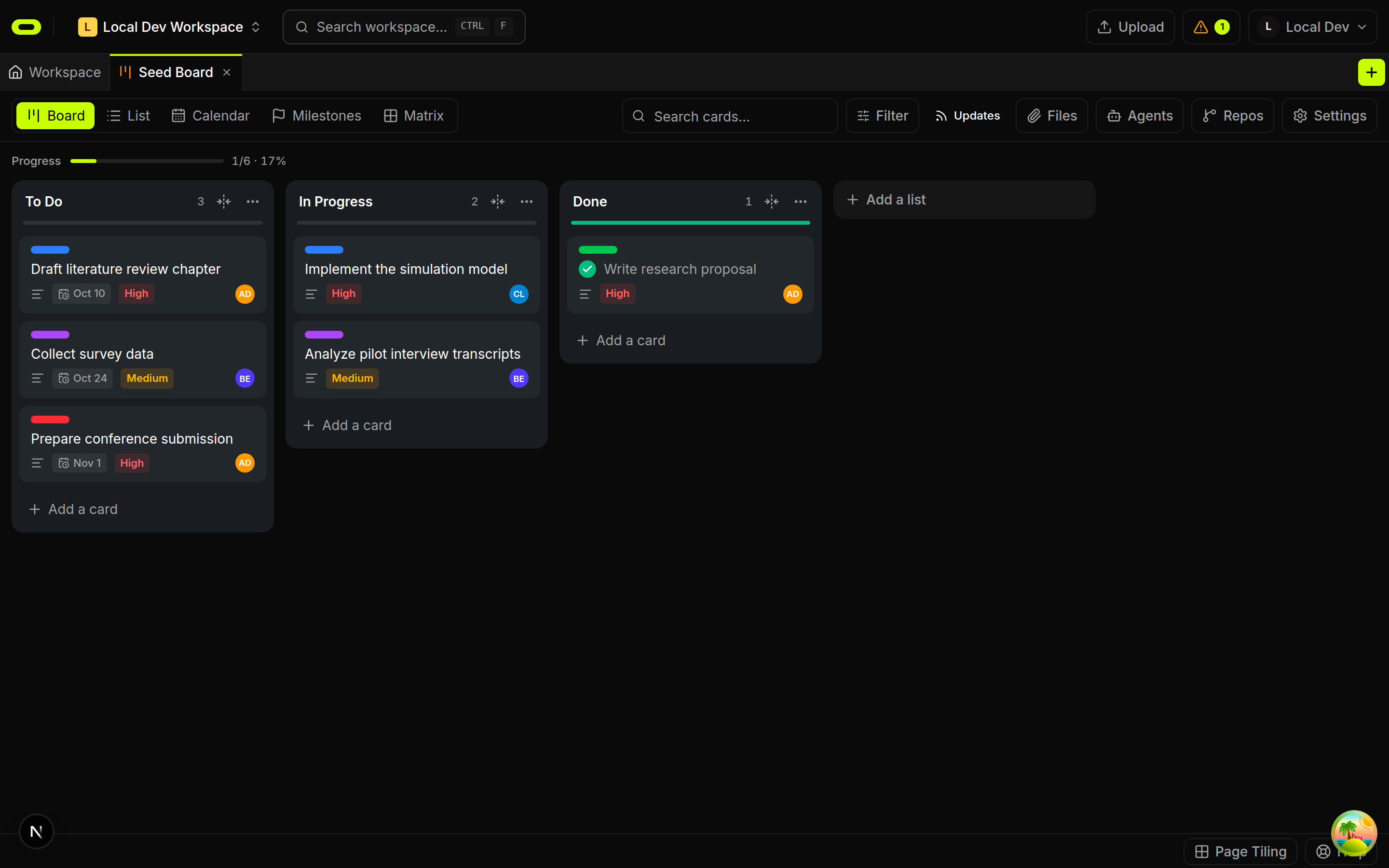
Oyren project board with task cards and agent assignments

Where Oyren goes further

Planning on a shared board

A task card holds the brief for an agent.

Oyren project board with task cards and agent assignments

A Linux machine for the build

Claude Code, Codex or opencode run with a terminal and browser editor.
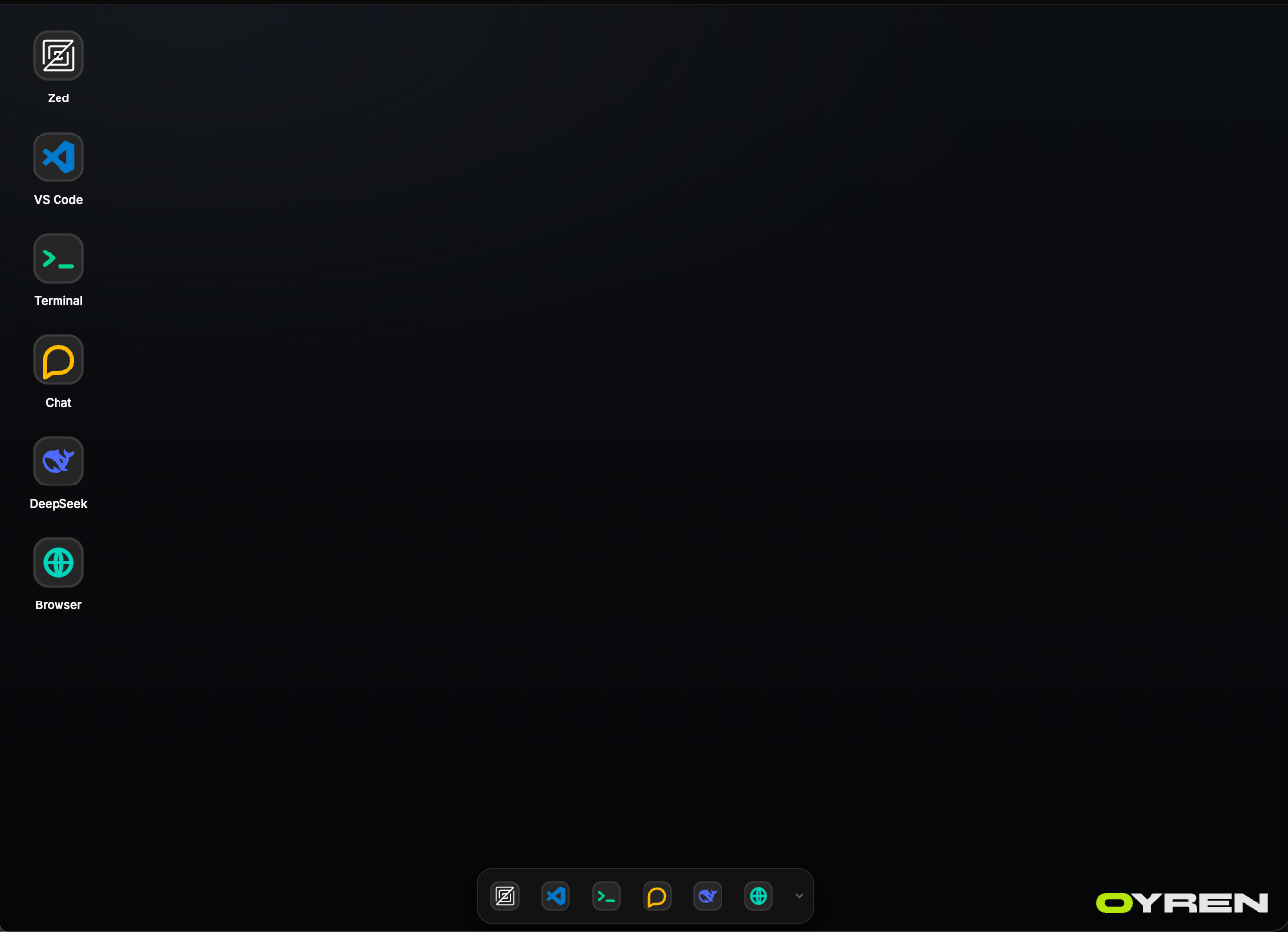
Codespace desktop with editor, terminal and browser shortcuts
Codespace desktop: editor, terminal and browser shortcuts
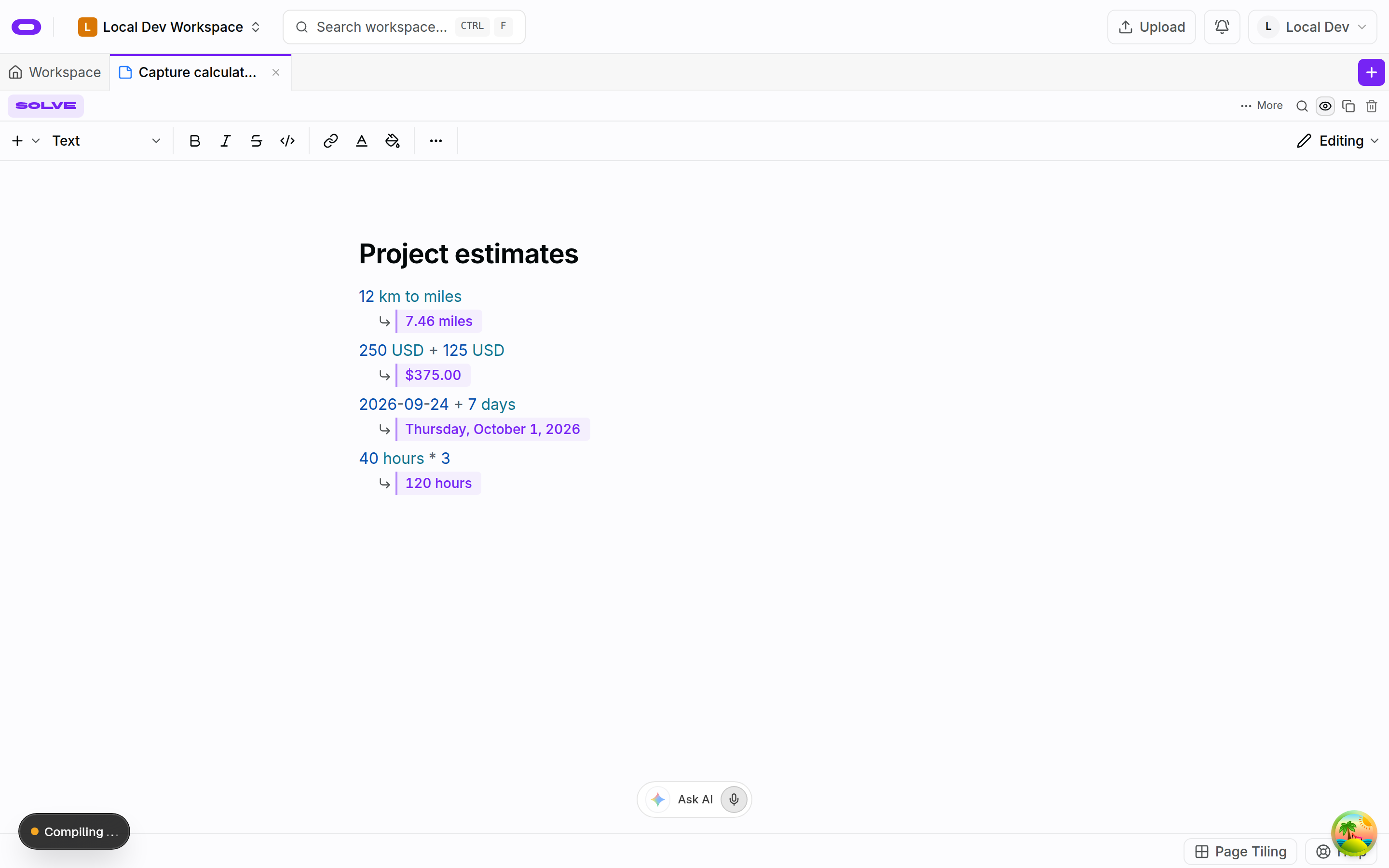
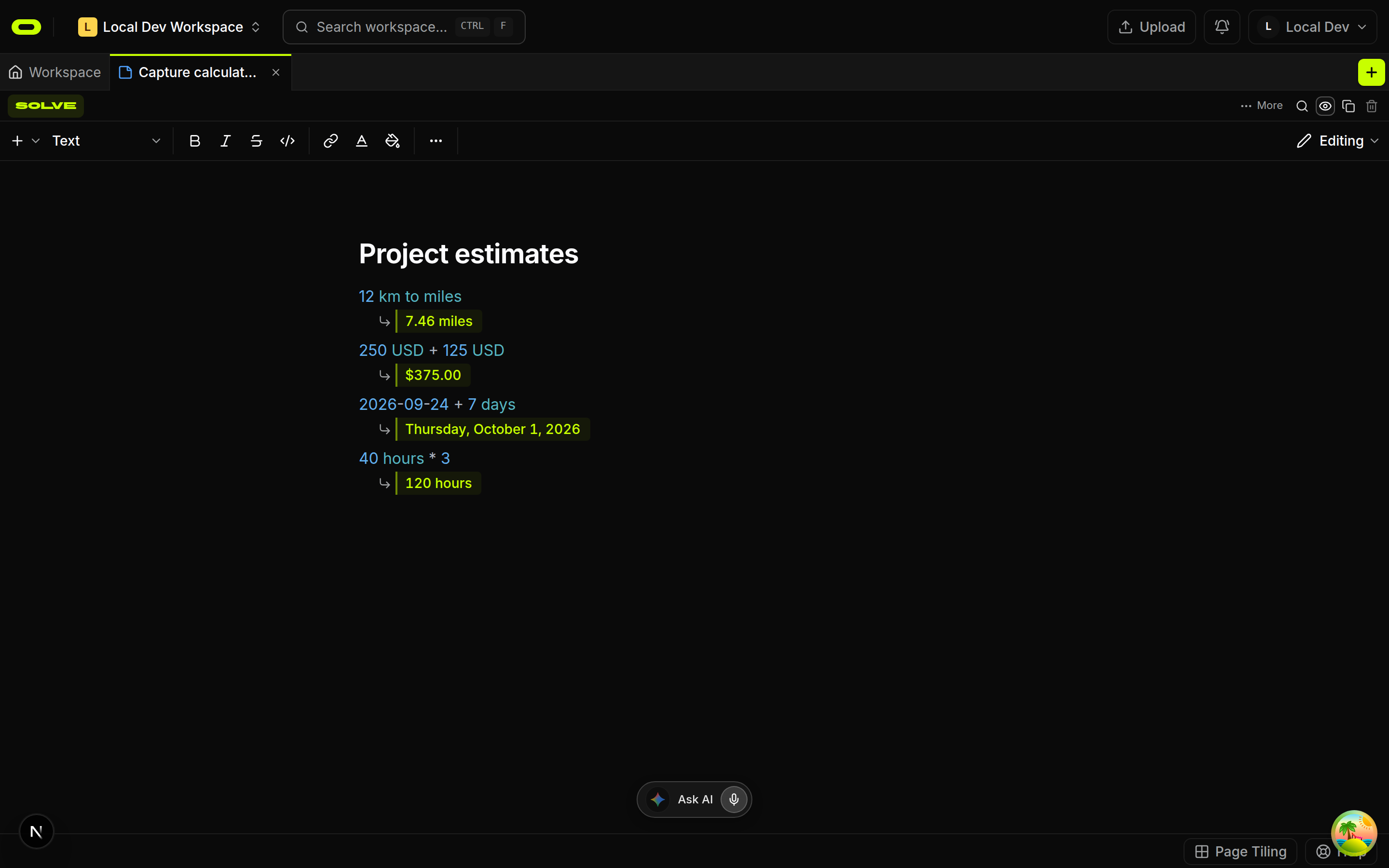
An Oyren working note with calculations and project context

Context beside the build

Notes, mind maps and web research sit beside the build.

    At a glance

    Project planning

    Oyren
    Kanban boards
    Cursor
    Not stated[1]

    Build environment

    Oyren
    Own Linux machine
    Cursor
    Not stated[1]

    Coding tools

    Oyren
    Claude Code, Codex, opencode
    Cursor
    Cursor Agent and cloud agents[1]

    Feature matrix

    Not stated means the checked source does not establish this feature. It is not a claim that the feature is absent.
    FeatureOyrenCursor
    Project planningKanban boardsNot stated[1]
    Build environmentOwn Linux machineNot stated[1]
    Notes and filesNotes, files and mind mapsNot stated[1]
    Coding toolsClaude Code, Codex, opencodeCursor Agent and cloud agents[1]
    Formal proofsLean 4 add-on (medium+)Not stated[1]
    1. [1] Official source, checked 2026-10-09

    Plans and usage

    Free

    Workspace access is free. AI and cloud runtime use credits.

    $0/forever

    Start free
    • 1GB of storage (100MB searchable)
    • 2,500 credits once
    • Notes, projects and files
    • Search across the workspace
    • External API keys

    Pro

    More storage than Free.

    $2.99/per month

    $35.88 billed yearly

    Get Pro

    Sign in, then review your yearly charge.

    • 50GB of storage (1GB searchable)
    • 5,000 credits a month
    Free +
    • 5% off AI and Codespaces
    • Cancel any time
    Most storage

    Max

    The largest included storage allocation, with additional storage available.

    $5.99/per month

    $71.88 billed yearly

    Get Max

    Sign in, then review your yearly charge.

    • 120GB of storage, expandable (12GB searchable)
    • 7,500 credits a month
    Free +
    • 10% off AI and Codespaces
    • Additional storage available
    • Cancel any time

    Cursor Pro

    Plan price (USD)
    $20
    Billing
    Per month (displayed Pro price)
    Stated allowance
    Extended limits on Agent
    Cursor Pro official pricingChecked 2026-10-09

    Notes, boards and files are included in every workspace plan. Oyren AI and compute are metered separately from the workspace plan. Codespace runtime is billed by the hour; snapshot storage is billed monthly. Plan prices alone do not establish total running costs.

    Moving from Cursor

    1. Step 1

      Bring the repo or brief

      Connect the existing repository or add the app brief to an Oyren workspace. Review dependencies and environment settings.

    2. Step 2

      Plan the next change

      Write one task card with its brief and a clear check for completion. Keep source files and notes beside it.

    3. Step 3

      Run and review

      Launch the codespace and choose a coding agent. Run the app, open its public URL and review the result against the brief.

    Questions about Oyren

    Planning, building and running in Oyren

    Start freeSee plans

    Free workspace. Cloud Codespace time and AI usage are metered separately.