Notes, boards and cloud machines for app development.
Codespace for AI agents and code
A coding agent works on a Linux cloud machine with repositories, browser VS Code and a terminal. The editor provides access to inspect and change the code. Agent sign-ins or API keys supply access to the chosen coding tools; machine runtime is billed by the hour.
See plans and usage pricing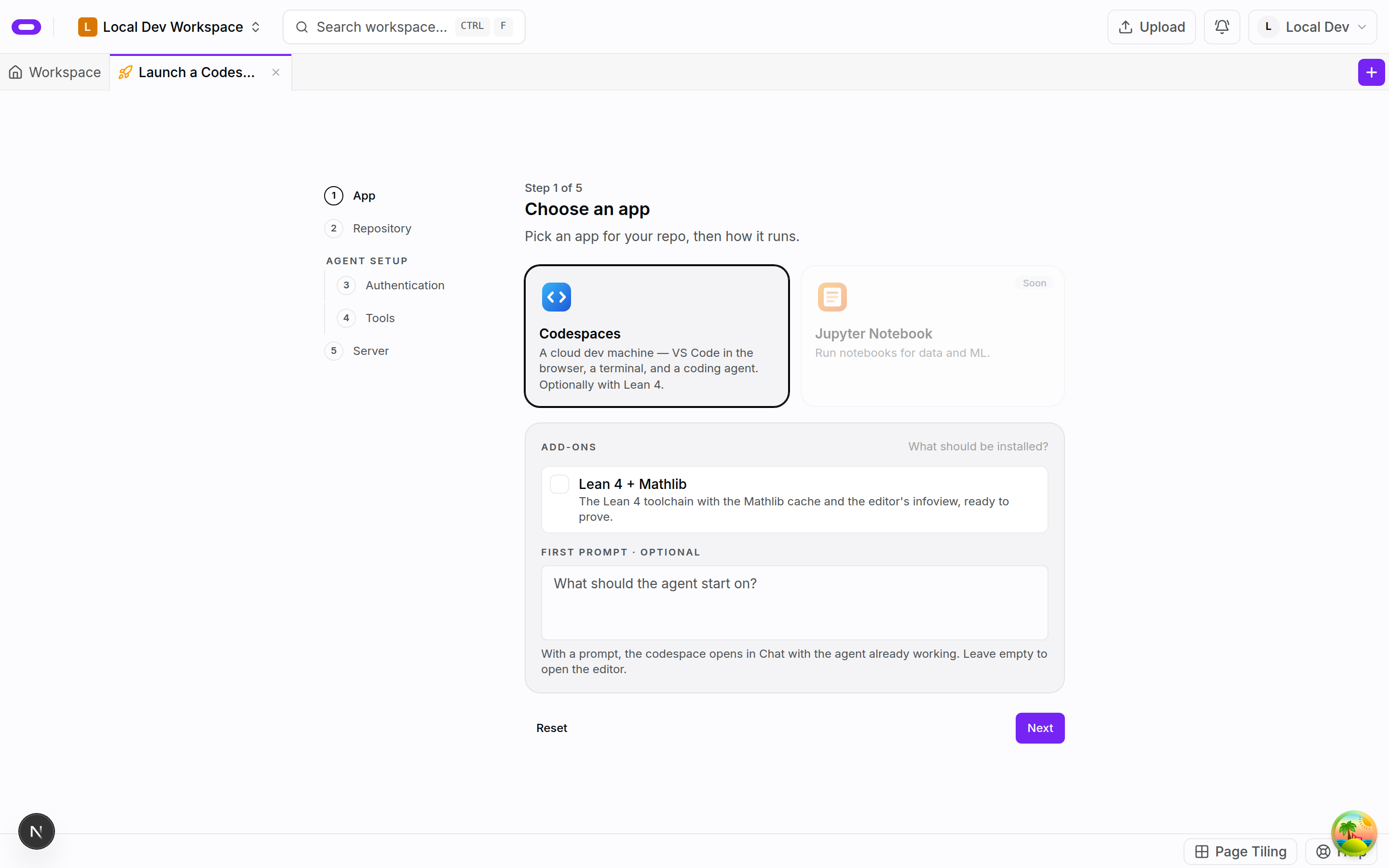
Coding agents, repositories and Linux tools
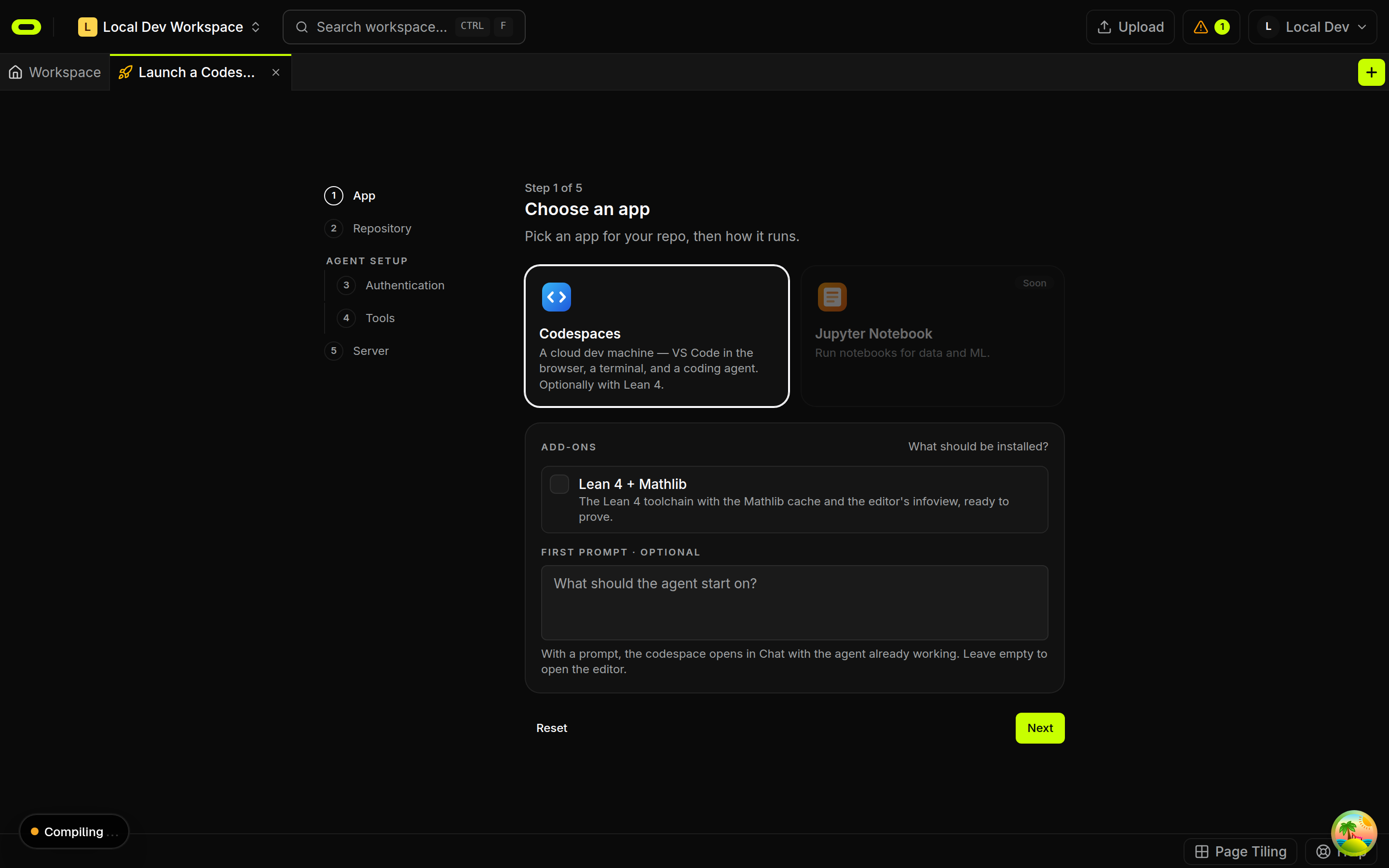
The workspace holds the brief while the coding agent works on the cloud machine. Claude Code, Codex CLI, opencode, Cursor CLI and Qwen Code are available at launch; Antigravity can be installed and run from the terminal. A Codespace can be launched directly, or Prompt to Codespace can take a task with selected agents and repositories. A board records the intended result and review criteria.
The cloud machine runs Linux with passwordless sudo. Project tools can be installed and run in the terminal, and files can be inspected or edited in VS Code. Code and commands run in the codespace sandbox, separate from the personal computer. The selected repositories and connections determine the material made available to the agent.
Running apps at a public URL
Every codespace has a public URL. The Public site panel points that URL at the port where an app is running on the machine. Opening the link shows the result a visitor can reach. The project board keeps subsequent changes connected to the original brief.
The editor and terminal support review of the changed files and the checks appropriate to the repository. Failed checks can be recorded with the task so a later attempt starts with the error evidence. An app running at a public URL still needs its changes reviewed before the result is relied on.
Runtime billing and saved snapshots
Runtime is billed by the hour while the codespace runs. The selected machine and its runtime form part of the app plan. Agent sign-ins or API keys are supplied separately, and any agent or API usage costs need consideration alongside the machine time.
A snapshot provides a way to stop the codespace and resume later. Snapshot storage is billed monthly in credits, with the storage rate and total shown before confirmation. Tasks and notes remain in the workspace as the brief for the next session on the machine.
Questions about codespace for ai agents and code
- Can I choose my coding agent and install tools?
- Yes. Claude Code, Codex CLI, opencode, Cursor CLI and Qwen Code are launch choices; Antigravity can be installed and run from the terminal. The Linux codespace has passwordless sudo for installing tools. Agents require sign-ins or API keys.
- How do I share the running app?
- Every codespace has a public URL. The Public site panel points it at the port of the running app. Runtime is billed by the hour while the codespace runs.
- Can I stop the machine and return later?
- A snapshot allows the codespace to resume later. Runtime is billed by the hour while it runs; snapshot storage is billed monthly in credits. The storage rate and total are shown before confirmation.