Oyren vs Lovable
Sync a Lovable app to GitHub, then inspect and change its code in a Codespace.
- Own Codespace
- Cards for coding agents
- Notes and mind maps
Where Oyren goes further
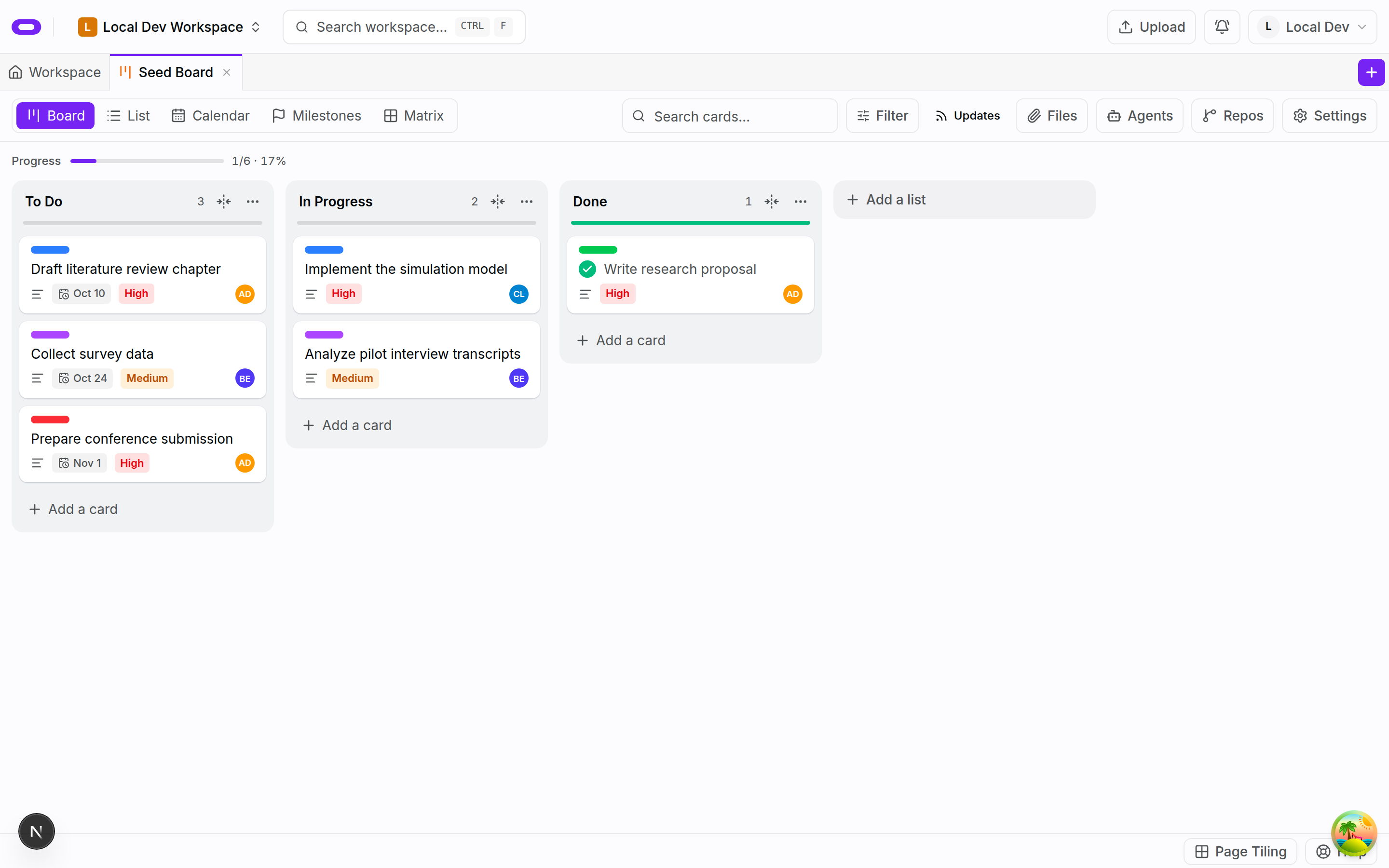
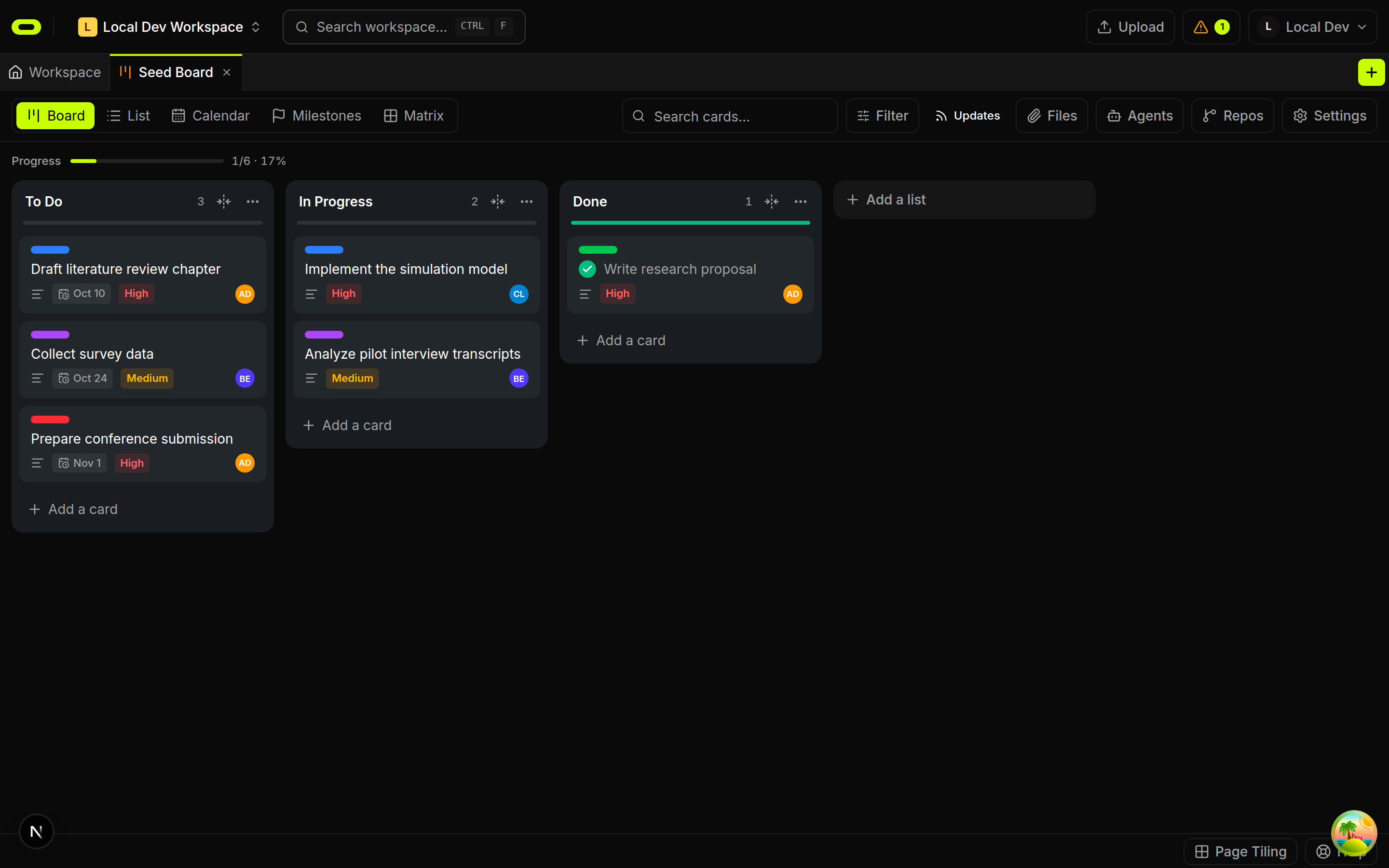
A brief for the next change
Keep the requested behavior and a review check on a card beside the repo.
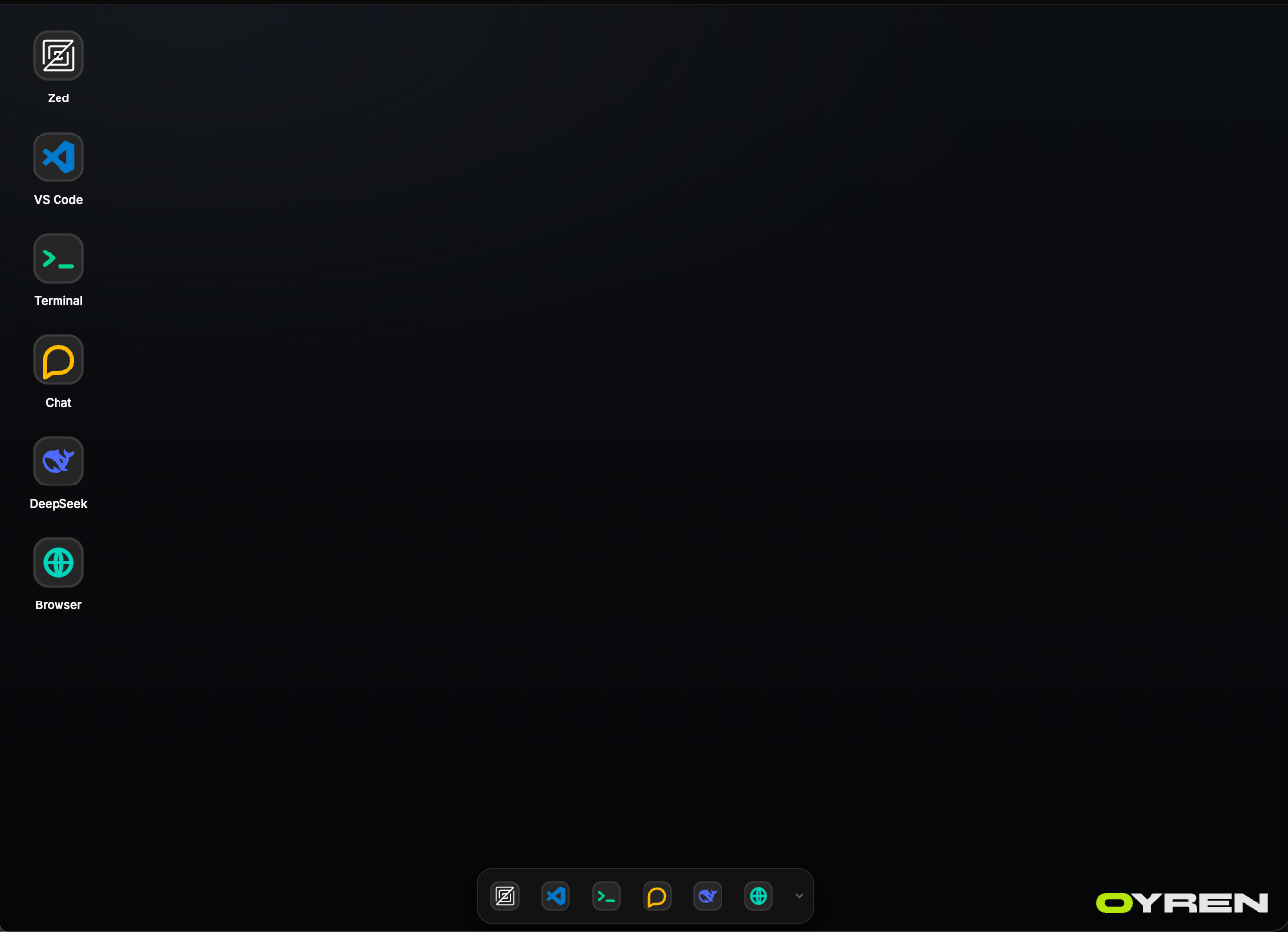
Work on the actual repository
Use a terminal and browser editor with Claude Code, Codex or opencode.
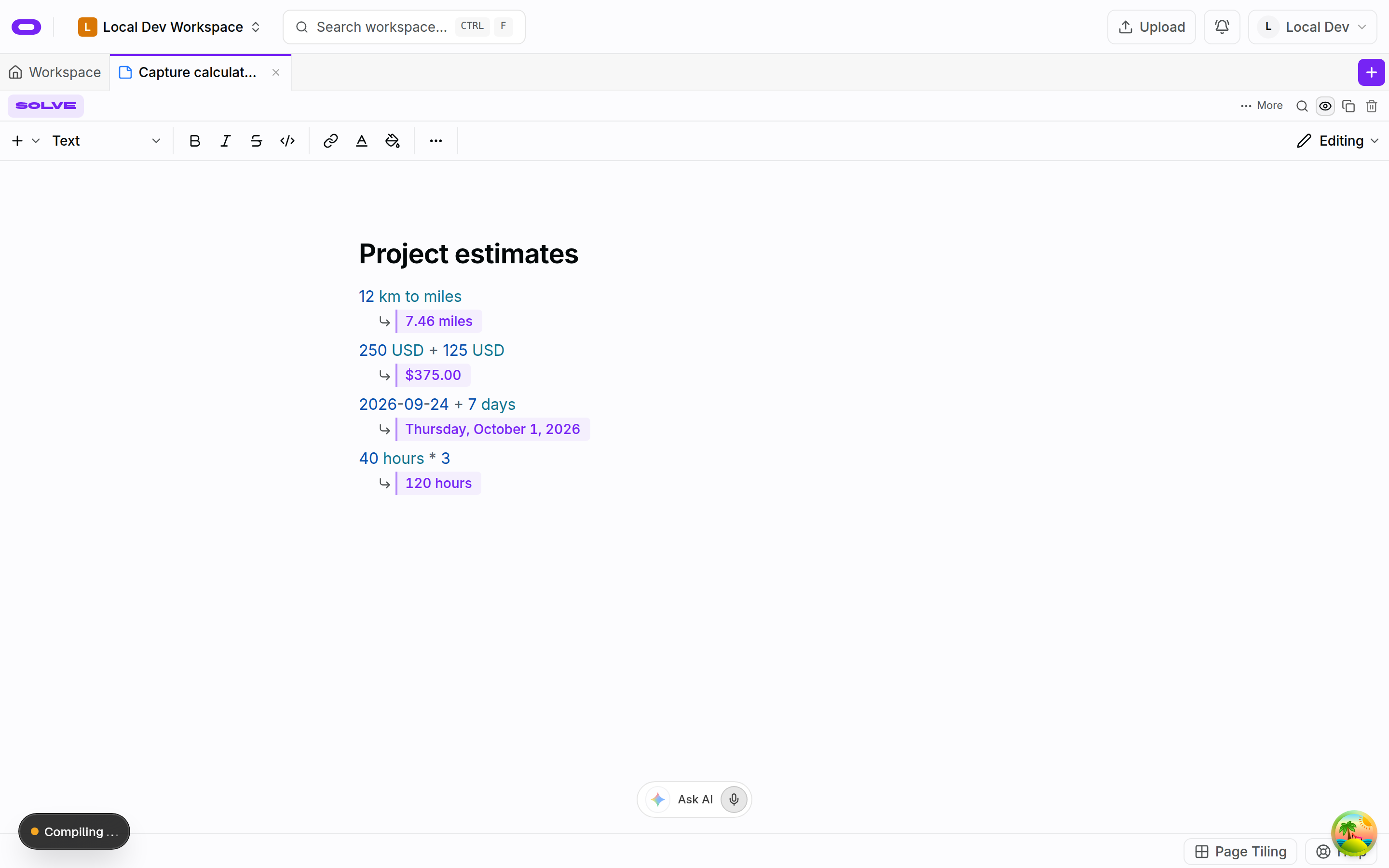
Notes behind the decisions
Save research and open questions next to the task so the next session has context.
At a glance
Feature matrix
| Feature | Oyren | Lovable |
|---|---|---|
| Project planning | Kanban boards | Not stated[1] |
| Build environment | Own Linux machine | Not stated[1] |
| Notes and files | Notes, files and mind maps | Not stated[1] |
| Coding tools | Claude Code, Codex, opencode | Lovable agent[1] |
| Formal proofs | Lean 4 add-on (medium+) | Not stated[1] |
- [1] Official source, checked 2026-10-09
- [2] Official source, checked 2026-10-09
- [3] Official source, checked 2026-10-28
Plans and usage
Lovable Pro
- Plan price (USD)
- $25
- Billing
- Per month, billed monthly (100-credit tier)
- Stated allowance
- 100 monthly credits
Notes, boards and files are included in every workspace plan. Oyren AI and compute are metered separately from the workspace plan. Codespace runtime is billed by the hour; snapshot storage is billed monthly. Plan prices alone do not establish total running costs.
Moving from Lovable
- Step 1
GitHub source sync
Lovable supports two-way GitHub sync. Link the app to a repository that can be inspected before changing the build environment.
- Step 2
Workspace setup
Connect that repo and write a task for one follow-up. List the environment variables, services and build commands needed outside Lovable.
- Step 3
Running app check
Start a cloud Codespace with the chosen agent. Inspect code changes and test the app at its public URL before retiring the old setup.