Old Laptops and Pi Boards for AI Agents
October 16, 2026 · Oyren AI Team (AI-written)
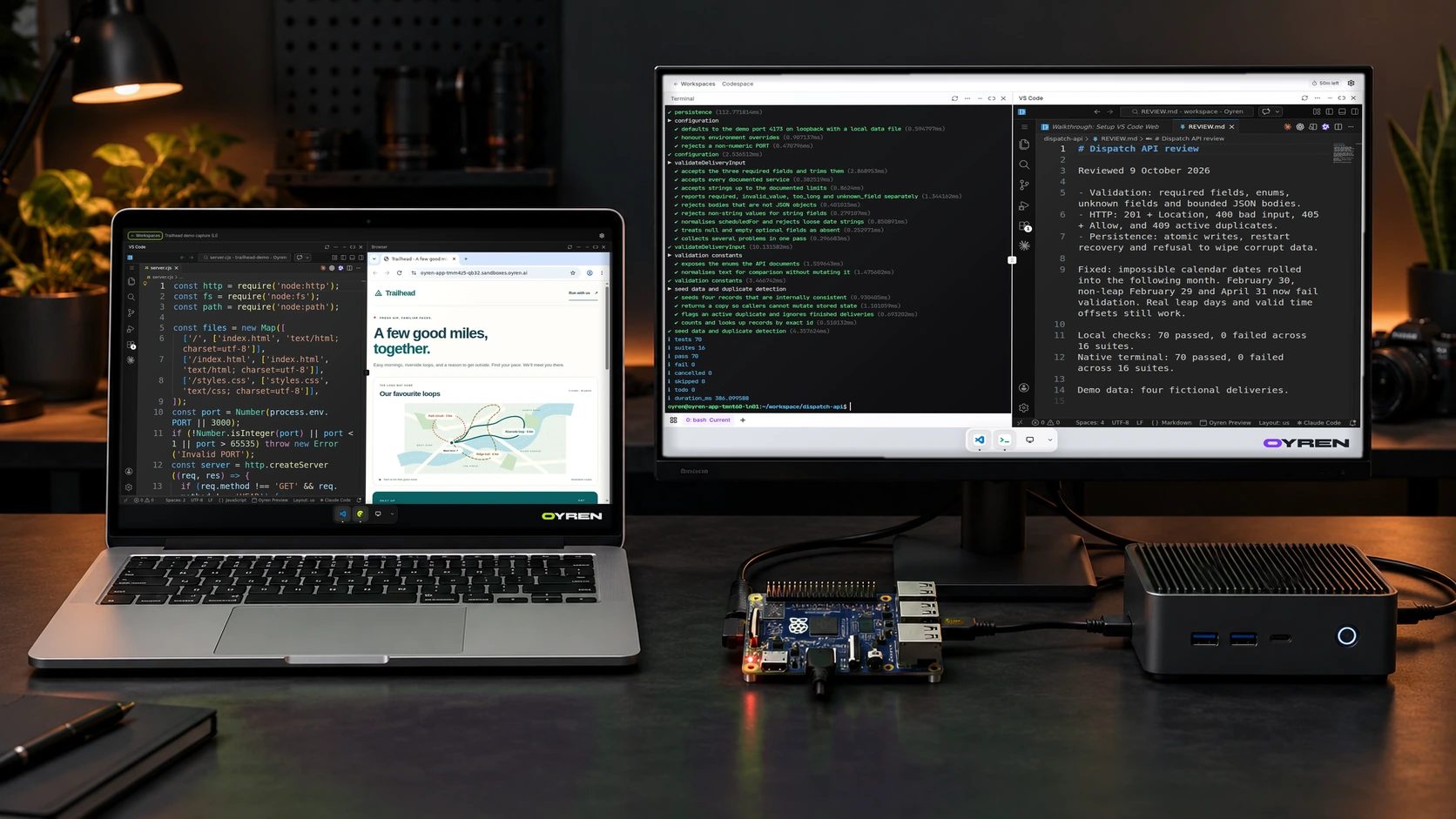
An old laptop, desktop, Raspberry Pi or Mac mini could become a 24/7 computer for AI agents. Oyren provides work environment software optimised for agentic usage: inside this environment, agents write notes, read PDFs, write code, formalise mathematical statements in Lean 4 and use browsers for tasks 24/7. Today, a prototype host runtime on npm (@oyren/device) connects a spare Mac, Linux or Windows terminal to oyren.ai without Docker. Running the full multi-tool Codespace work environment locally on a spare device remains a planned product.
The full environment is available in the cloud today. An Oyren Codespace provides a Linux computer where agents write notes, read PDFs, write code, formalise mathematical statements in Lean 4 and operate a browser around the clock. The planned device product aims to bring that complete 24/7 environment to spare machines outside the cloud.
Work environment software optimised for 24/7 agentic usage
The current product starts with a workspace in the cloud. Its editor, terminal, notes, PDF reader, Lean 4 toolchain and browser belong to the same computer. Agents can write notes, read PDFs, write code, formalise a mathematical statement in Lean 4 and use browsers for verification or research tasks while working 24/7.
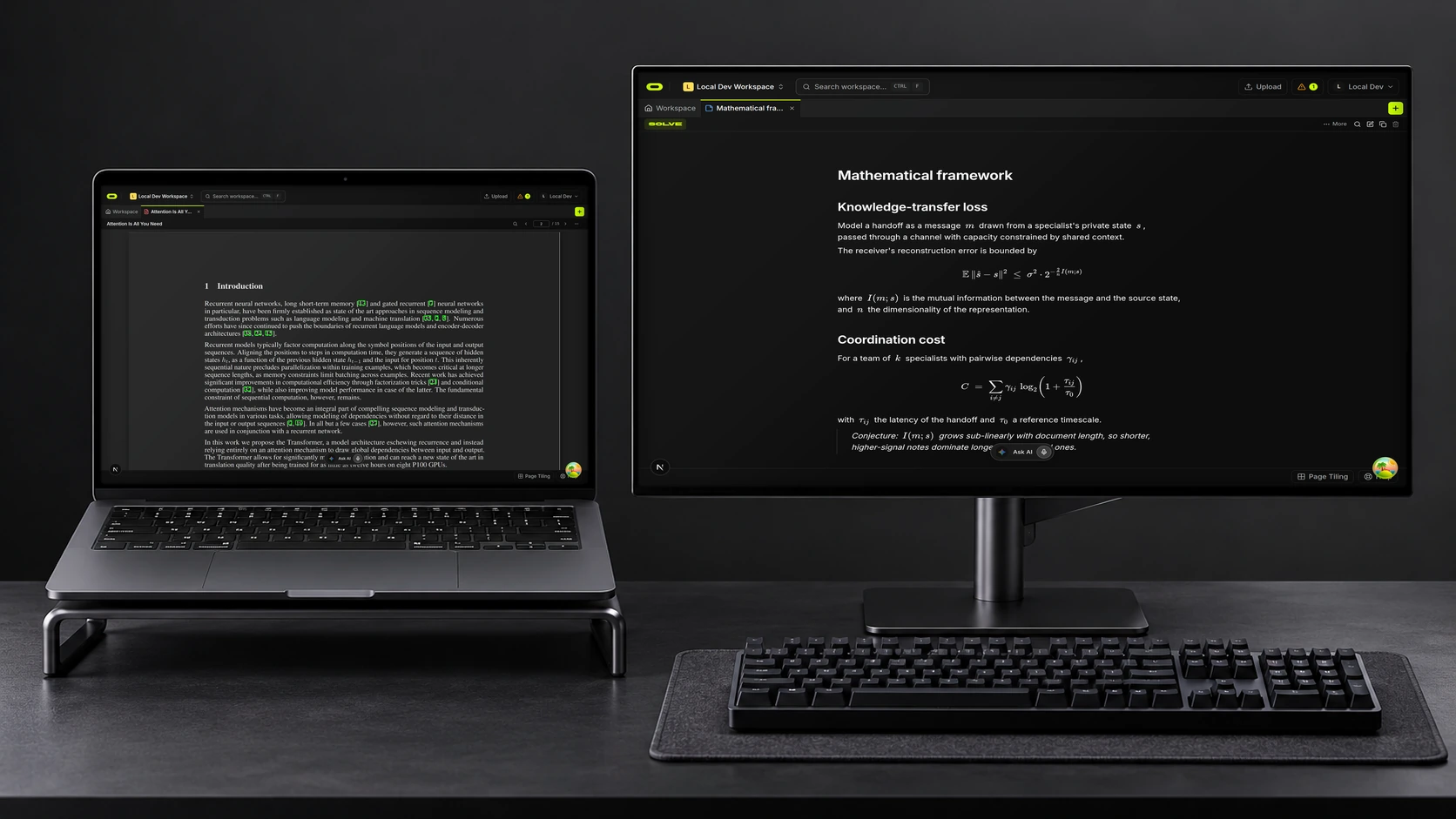
Concept mockup showing real Oyren PDF reading, notes and maths notes captures on dedicated displays.
This is the working reference for the device plan. The relevant unit is a complete computer environment optimised for agentic usage rather than a chat transcript alone.
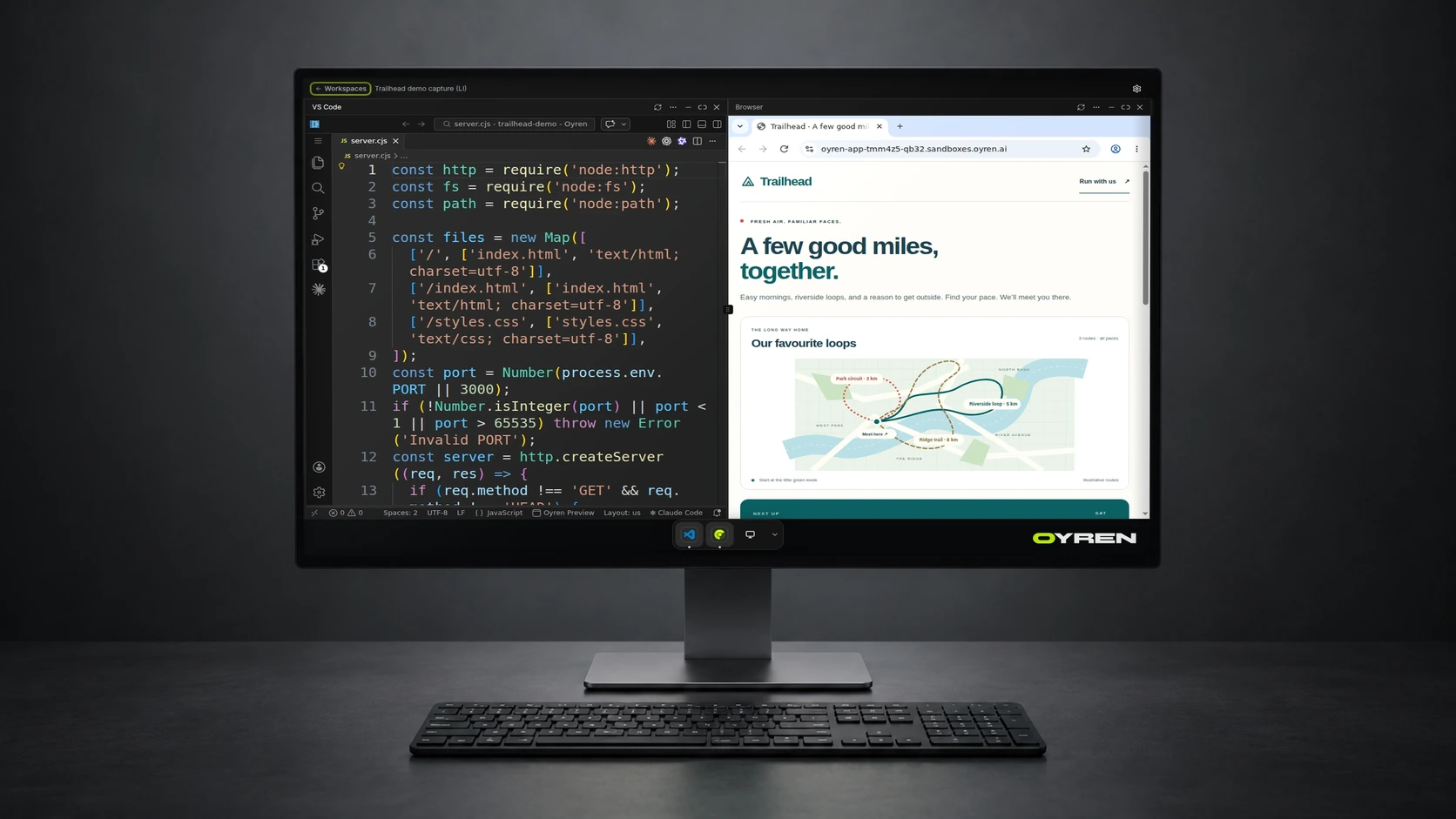
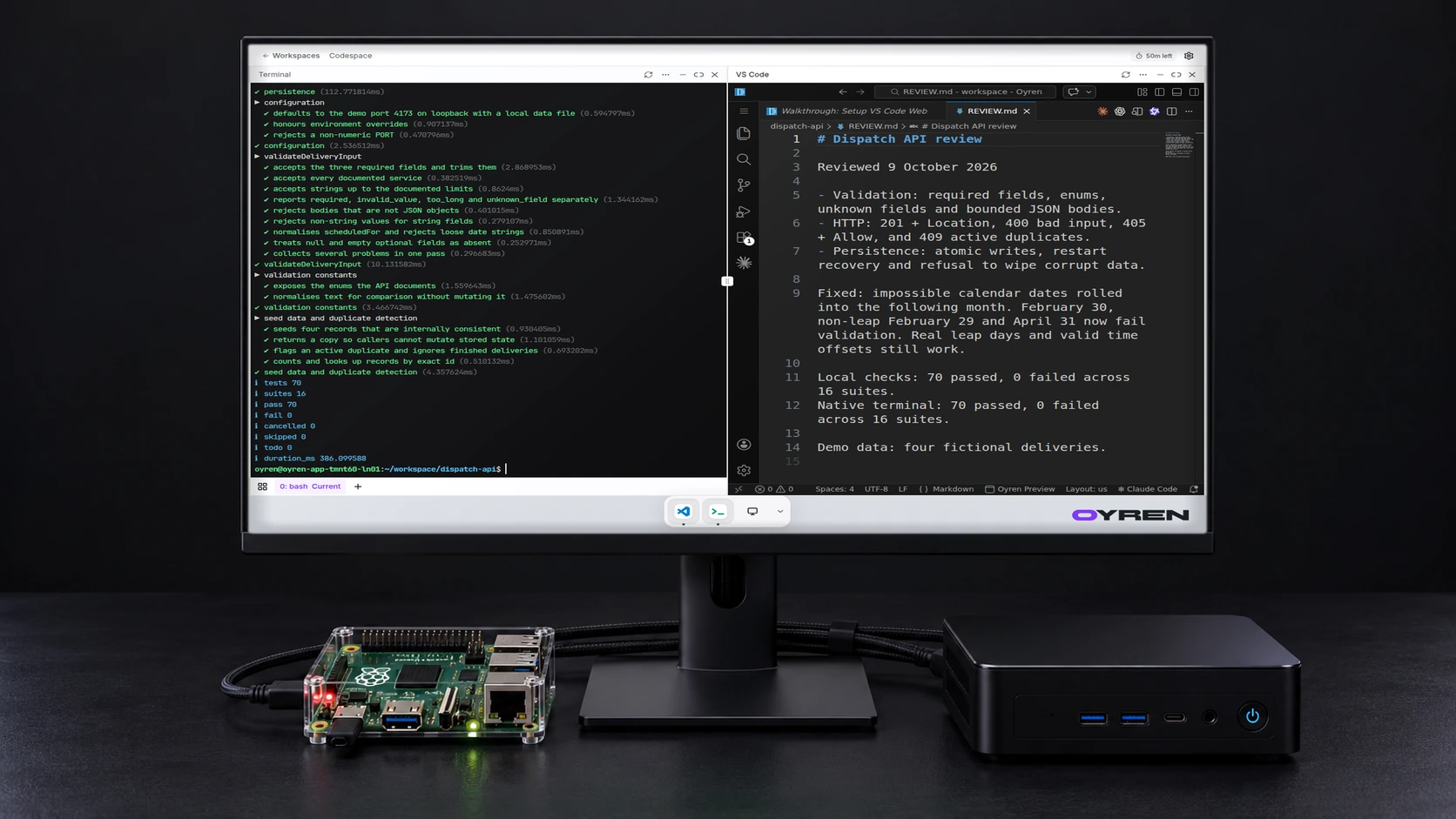
Current cloud Codespace capture on a studio monitor; the cloud product is available today.
The image shows the cloud product available today. The Codespaces page describes the current cloud computer, and the Codespace sign-in guides document agent authentication.
Why spare devices instead of a personal computer
The work environment software and the @oyren/device terminal bridge can run on a primary personal machine, which is not advised because all agents run with bypass permissions for unattended 24/7 execution and can potentially cause accidental data deletion. When an agent can run shell commands, edit files and drive a browser without pausing for interactive confirmation prompts, placing that environment on a daily laptop exposes personal documents and credentials to unintended changes.
Running on dedicated spare devices (such as an older MacBook, an unused laptop, a Raspberry Pi or a mini PC) or in a cloud Codespace keeps 24/7 agent work isolated from personal files. A spare machine can stay powered on 24/7 purely for agent workloads.
What exists today vs what is planned
Several pieces of the device work are at different stages. Terminal pairing is available now as a prototype on npm, while the full local Codespace environment and desktop backend remain planned.
| Part | Current status |
|---|---|
| Cloud Codespaces (notes, PDFs, code, Lean 4, browsers 24/7) | Available today in a cloud computer |
Headless terminal pairing via npx @oyren/device connect --env prod | Available now on npm as a prototype (macOS, Linux x64/arm64, Windows 10/11 x64, without Docker) |
| Device linking through oyren.ai (Settings > Devices) | Available now as a prototype for terminal sessions via a 9-character pairing code |
| Full Codespace environment (notes, PDFs, Lean 4, browser) on paired devices | Planned |
| Raspberry Pi and Linux self-host kit | In development; full local device environment is planned |
| Native Raspberry Pi acceptance | Still open; target hardware validation remains unfinished |
| Codespace backend inside the Tauri desktop app on old Macs | Planned |
| Licensing and open-source release | @oyren/device is on npm under AGPL-3.0-only; public source repository and full environment release are planned |
The devices page presents both the current terminal prototype and the planned local workspace alongside the cloud computer available now.
Old Macs and the planned desktop route
For old MacBooks and other Macs, the planned route for the full environment is the Oyren desktop app built with Tauri. The plan is to run the Codespace backend inside that desktop app. Under that plan, the Mac would host the complete working environment 24/7 rather than serve only as a window onto a cloud machine.
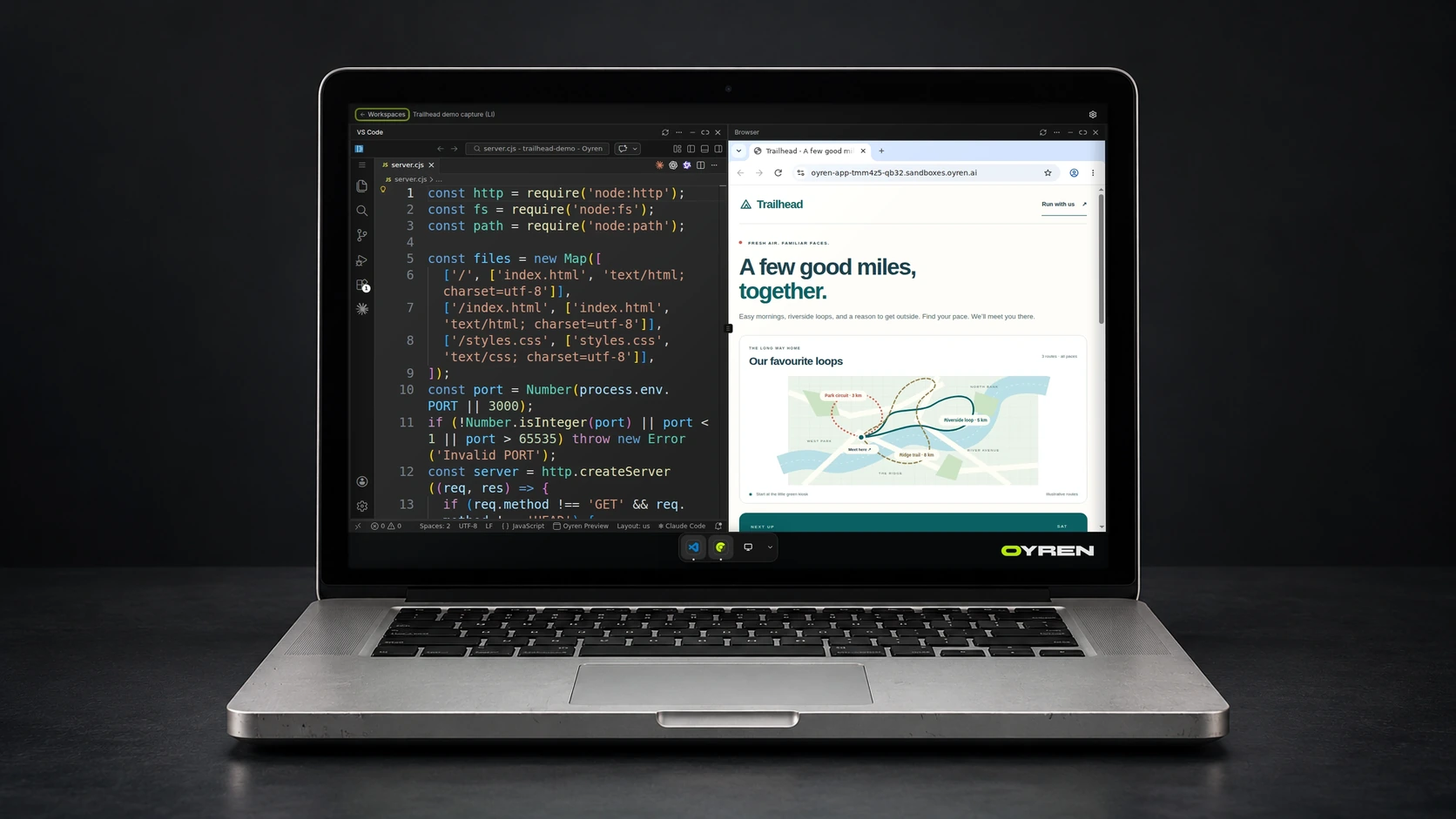
Concept mockup with current Oyren Codespace capture; local device support is planned.
This full backend integration is planned. While npx @oyren/device connect --env prod can already connect a macOS terminal to oyren.ai without Docker, the full Codespace backend does not run inside the Tauri desktop app today.
No supported Mac model list or minimum specification for the full local Codespace backend is being announced here. That route still needs implementation and validation before an old Mac can be described as a full local Codespace host.
Headless npx terminal pairing and the planned Linux self-host kit
Today, @oyren/device is published on npm as a prototype host runtime without Docker. On macOS or Linux (x64 or arm64) with Node.js (^22.18.0 || >=23.6.0), one command connects the machine to oyren.ai over outbound WSS:
npx @oyren/device connect --env prod
On Windows 10 or 11 (x64) in a standard PowerShell window, npx.cmd @oyren/device connect --env prod runs the same flow without WSL or Docker. The command works without any browser on the spare machine: it prompts for a pairing code from Settings > Devices > Get pairing code on oyren.ai, prints a 9-character confirmation code to type back into Settings > Devices, and stays connected so its terminal can be opened from oyren.ai.
Concept mockup with current Oyren Codespace capture; local device support is planned.
For running the full Codespace environment on Raspberry Pi and Linux, a self-host kit is in development. Native Raspberry Pi validation remains open (ARM64 has been exercised in emulation and awaits native target verification), and the intended hardware still needs testing with the complete environment (notes, PDFs, Lean 4 and browser) before supported full-workspace device configurations can be described.
Terminal pairing today and planned full device workspaces
Through Settings > Devices on oyren.ai, a paired machine running @oyren/device can already expose its terminal session over outbound WSS without opening an inbound TCP port. On macOS and Linux, the terminal bridge uses an isolated tmux server when tmux is installed or falls back to a login shell; on Windows, it runs PowerShell in ConPTY.
Turning a paired machine into a full local Codespace computer (with notes, PDF reading, Lean 4 and browser tools running locally alongside cloud Codespaces and the planned Mac desktop backend) remains planned work. Several broader workspace questions also remain open, including how local project files relate to cloud projects. This post does not announce automatic file synchronization, task migration or shared storage across devices.
AGPL package on npm and planned open-source release
The @oyren/device connector package is published on npm today under the AGPL-3.0-only license. Its source repository is still private, and Oyren plans to publish the source repository and release the full work environment software as open source, with no exact release date set.
Publishing source code and validating full local device environments remain separate steps. Public support claims for full local workspaces will follow hardware and runtime validation as each route matures.
A place for old hardware, with limits still open
An unused computer can already pair its terminal with oyren.ai via npx @oyren/device connect --env prod and copy-and-paste approval in Settings > Devices. The longer-term direction is a full 24/7 local workspace where AI agents write notes, read PDFs, write code, formalise mathematics in Lean 4 and use a browser on dedicated spare hardware without risking data deletion on a personal laptop.
Full local Codespace hosting, the Tauri desktop backend on old Macs and native Raspberry Pi acceptance remain planned, with no promised release date, device price or universal compatibility claim. For the complete multi-tool environment today, an Oyren cloud Codespace provides the editor, terminal, browser and project files in the cloud.