Notes, boards and cloud machines for app development.
AI chat with notes and PDFs
AI chat uses selected notes, PDFs and project files as context for a question. The model picker provides the available model choices. Responses can be compared with the source and retained as notes, giving later questions a saved explanation and the material behind it.
See plans and usage pricing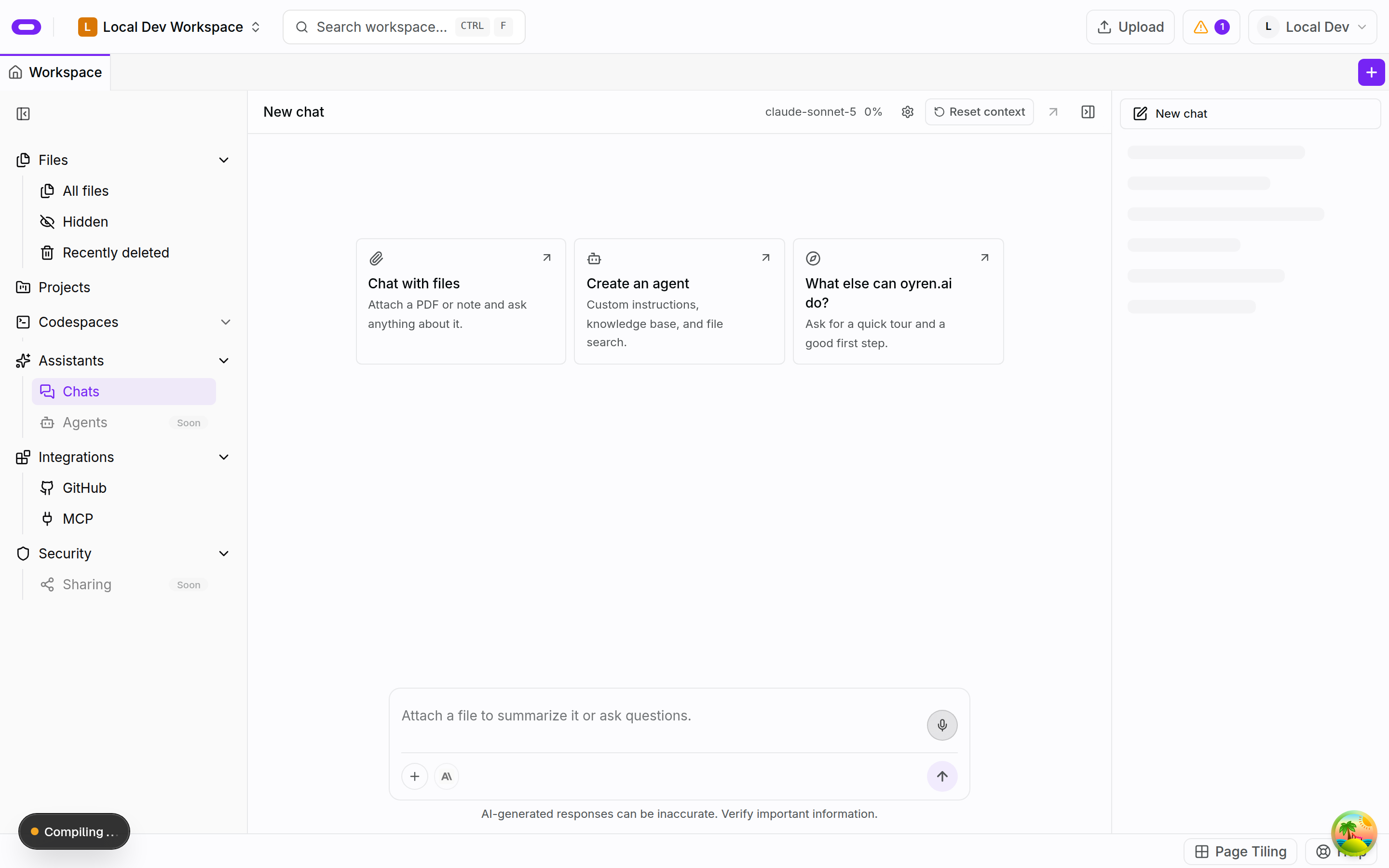
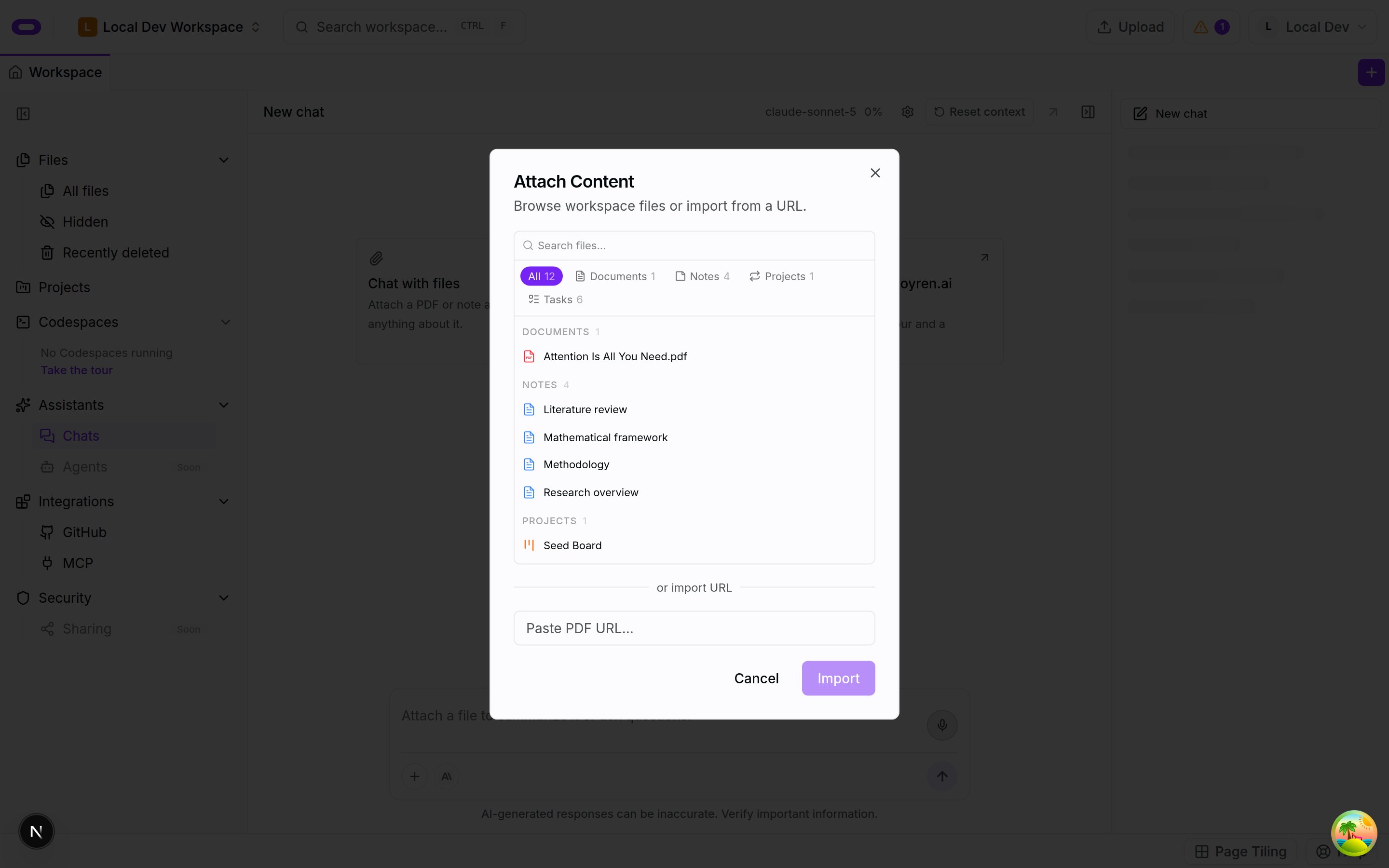
Selected files as question context
The chat file picker selects the background for a question. A request can focus on a passage or problem, ask for an explanation, compare a document with notes or identify a topic for further investigation. Keeping the request focused makes its answer easier to check. The original material remains available beside the conversation as the reference for that comparison.
The file picker organises material by type, including documents, notes, boards and tasks. The selected files make the intended context explicit. Keeping files in the same workspace does not mean every file is included in every conversation or needs to be part of a particular question.
Model choices for the same material
The chat model picker provides the options currently available in the app. Different models can produce different explanations of the same material. A comparison can keep the source and question stable while changing the selected model. The current picker provides the available choices rather than a fixed list of model names in older documentation.
Model choice in chat is separate from the coding-agent workflow. A chat about a PDF supports reading and reasoning over material. A coding agent works on a development task. These are distinct tools for different kinds of work within the workspace.
Source review and saved conclusions
The original document provides a reference while a response is reviewed. Important claims, quoted numbers, definitions and assumptions need comparison with the passage they describe. A smaller follow-up question can focus a vague explanation. Fluency in a response does not ensure it includes every condition relevant to the material.
A note can retain the conclusion, its source and anything unresolved. If a conversation reveals further work, a board can record the next action. The saved explanation and its background remain in the same workspace for a later review or question.
Questions about ai chat with notes and pdfs
- Can I choose which files to discuss?
- Yes. The chat file picker selects workspace material, including documents and notes, as context for a question or passage.
- Can I change the AI model?
- Yes. The model picker in chat provides the options currently available in the app and supports changing the selected model.
- Does keeping files in Oyren guarantee a correct answer?
- No. Important statements need comparison with the original document. Corrections and unresolved questions can be saved alongside the explanation.