Notes, boards and cloud machines for app development.
AI Second Brain
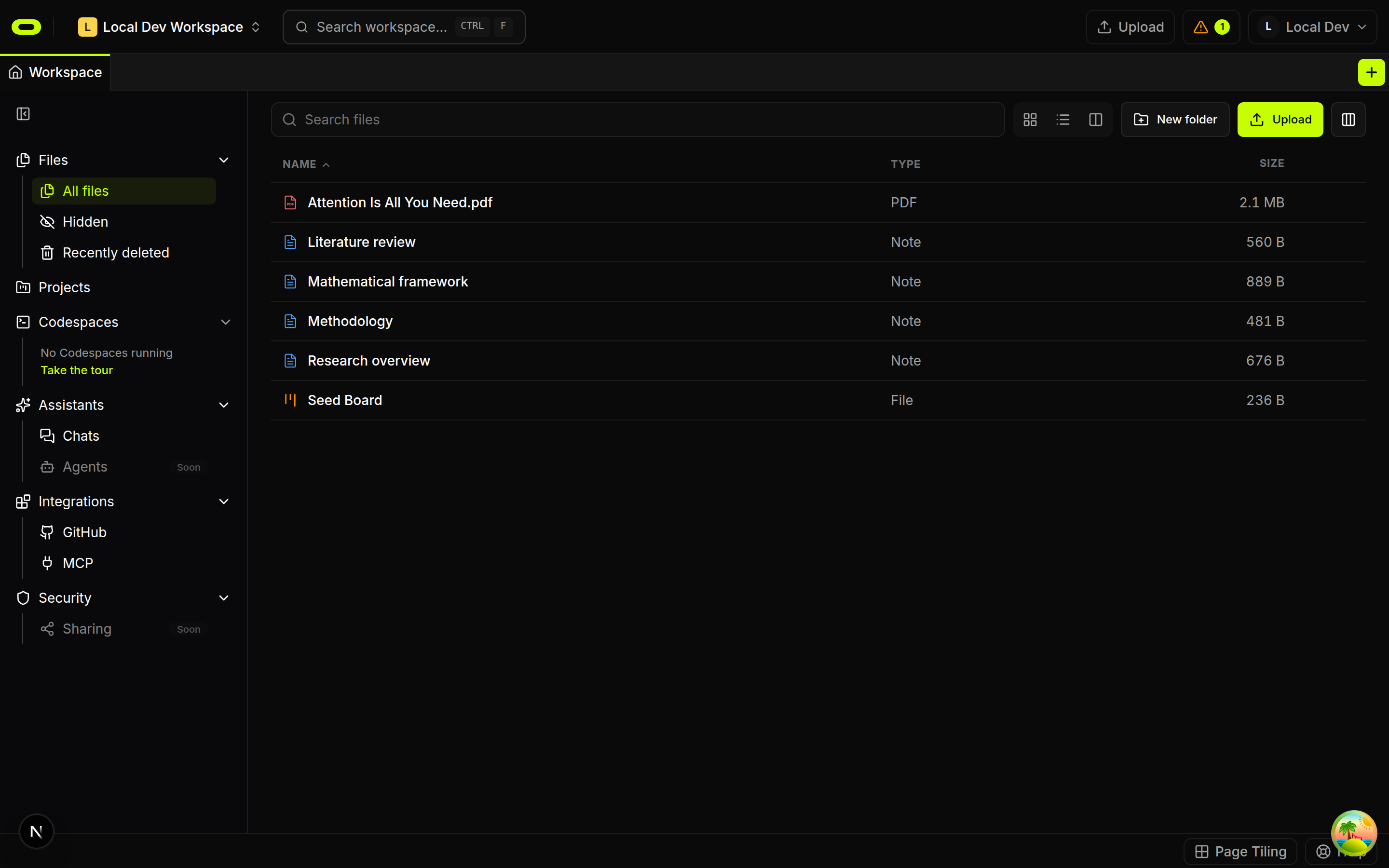
Papers and documents stay beside notes explaining why they matter. A compatible AI tool connects to that workspace material for questions about it. Saved explanations and unresolved questions provide a starting point for later reading, with the original sources still available for comparison.
See plans and usage pricing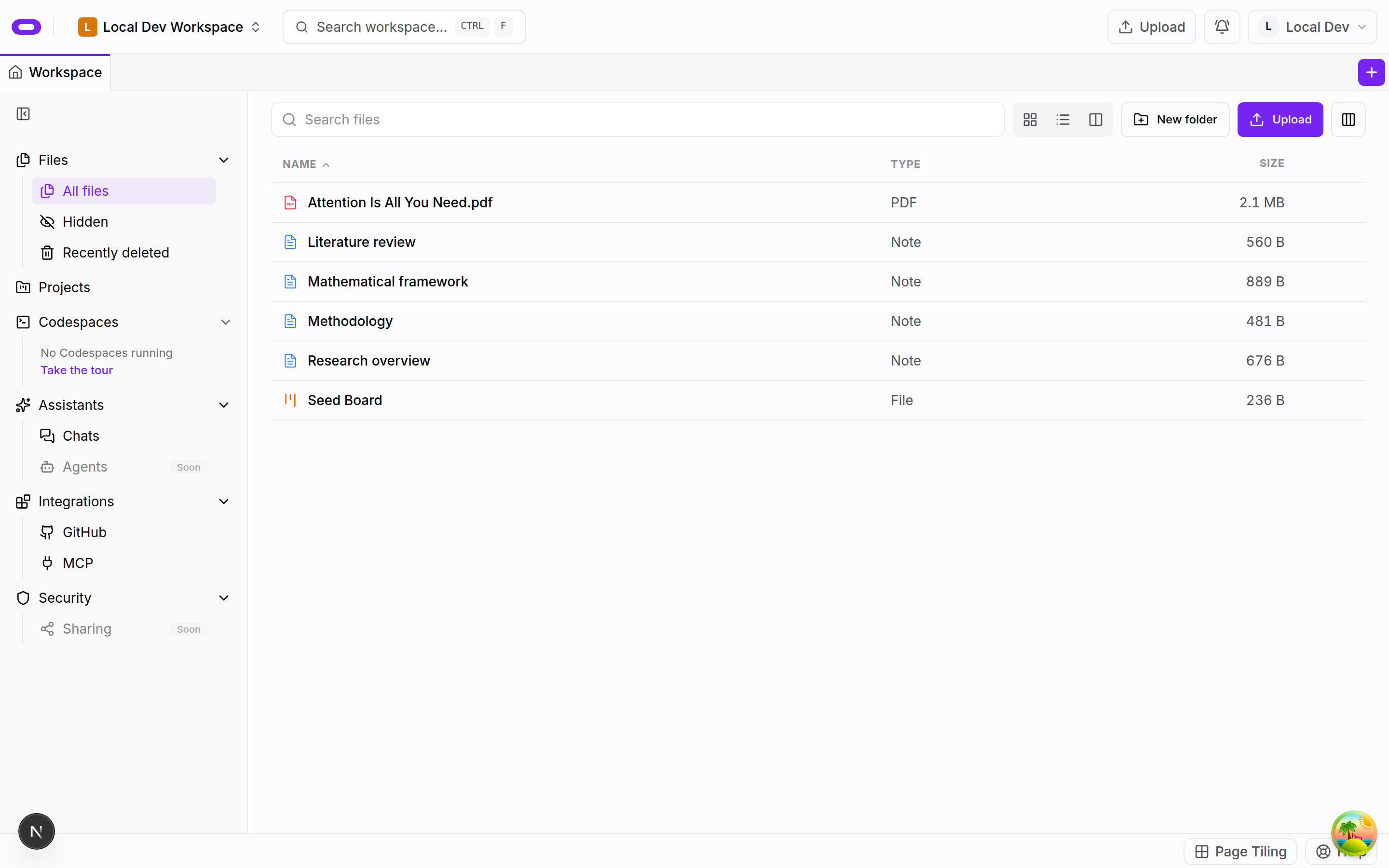
Sources with the thinking they informed
A saved paper records more than a place to find a document again when it sits beside a note about the question it answered. The note can contain a useful passage, a point of disagreement or a topic for further investigation. This background gives the collection a purpose and provides a starting point for a later session with the same material.
Oyren brings papers, documents and editable notes into the same workspace. Original material and written explanations can remain together. Returning to a topic starts with that saved background instead of reconstructing the reason each document was collected.
AI questions with workspace context
The second-brain workflow connects the workspace to Claude, ChatGPT or another compatible AI tool. That connection gives the tool a way to read workspace material for a question. The question and selected documents define the material the answer is expected to consider.
A question might concern what a paper says about a topic already covered in the notes. The response can be read with the source open and compared with the supporting passages. A fluent answer still needs this comparison; confidence in its wording does not establish that it reflects the document.
Saved explanations and follow-up tasks
A saved explanation can become a note with enough context to remain understandable during a later session. Corrections and unresolved questions can stay beside it as new information changes the interpretation. The workspace retains those explanations even between AI conversations.
A follow-up can become a task on a board, while OCR can bring scanned material into editable notes. These support different steps in the same work: collecting sources, explaining their meaning and recording the next investigation. The source and the notes remain available as that work develops.
Questions about ai second brain
- What belongs in an AI second brain?
- Papers, documents and notes provide the source material. Notes explaining why a source matters record the thinking behind the collection as well as the original content.
- Can I connect more than one kind of AI tool?
- The workflow supports workspace connections for Claude, ChatGPT and compatible AI tools. The connection is set up in the tool used to read the material.
- Should I check answers against my documents?
- Yes. Important claims need comparison with the original passages before being relied on. Corrections can remain in the notes. A connected workspace does not guarantee every generated answer is correct.