Notes, boards and cloud machines for app development.
AI Agents Kanban Board
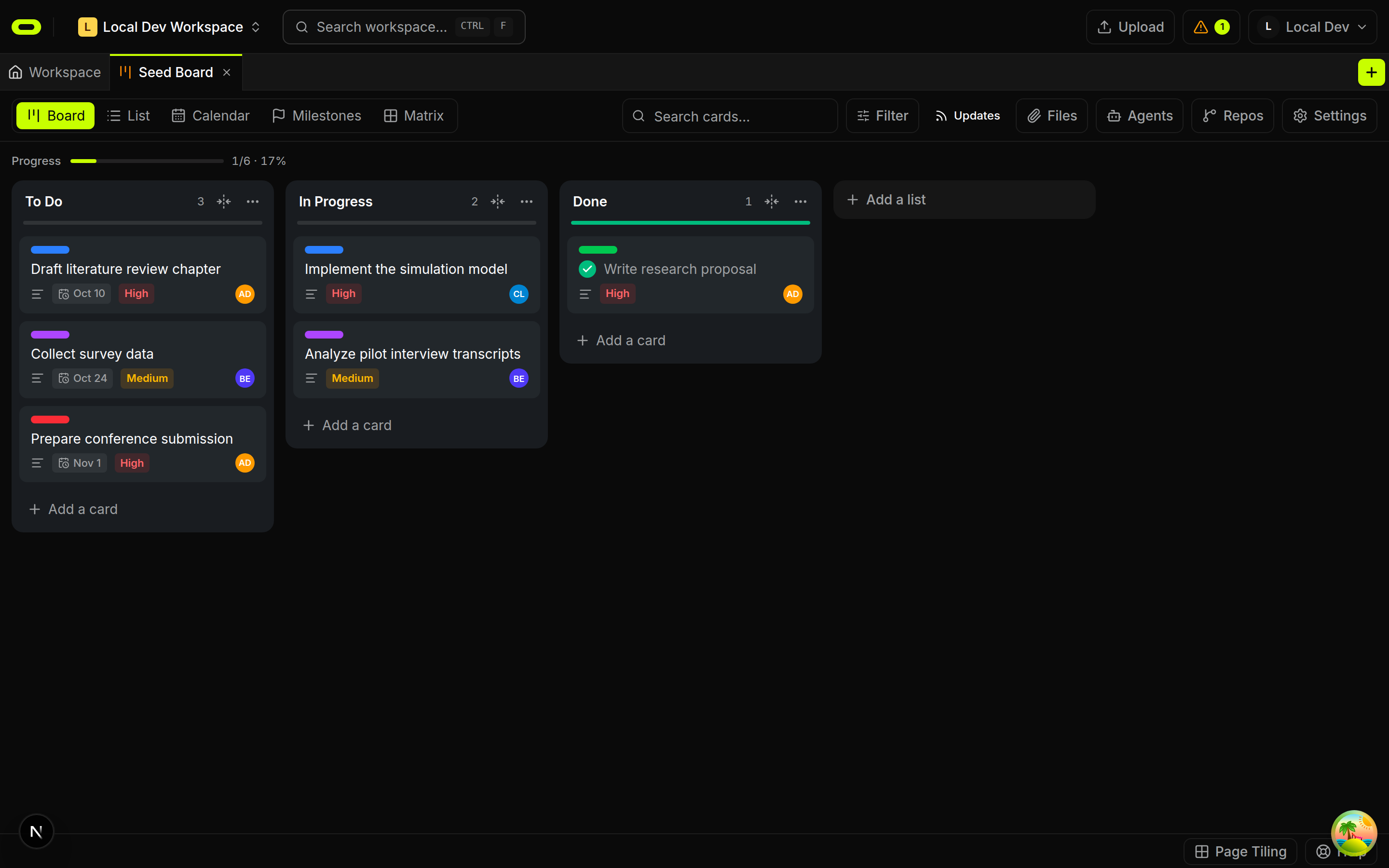
A shared kanban board keeps the brief, files, owner and progress with each task. People and AI agents can return to the same plan and leave results on the board. The work remains visible across handoffs without rebuilding its background from separate conversations.
See plans and usage pricing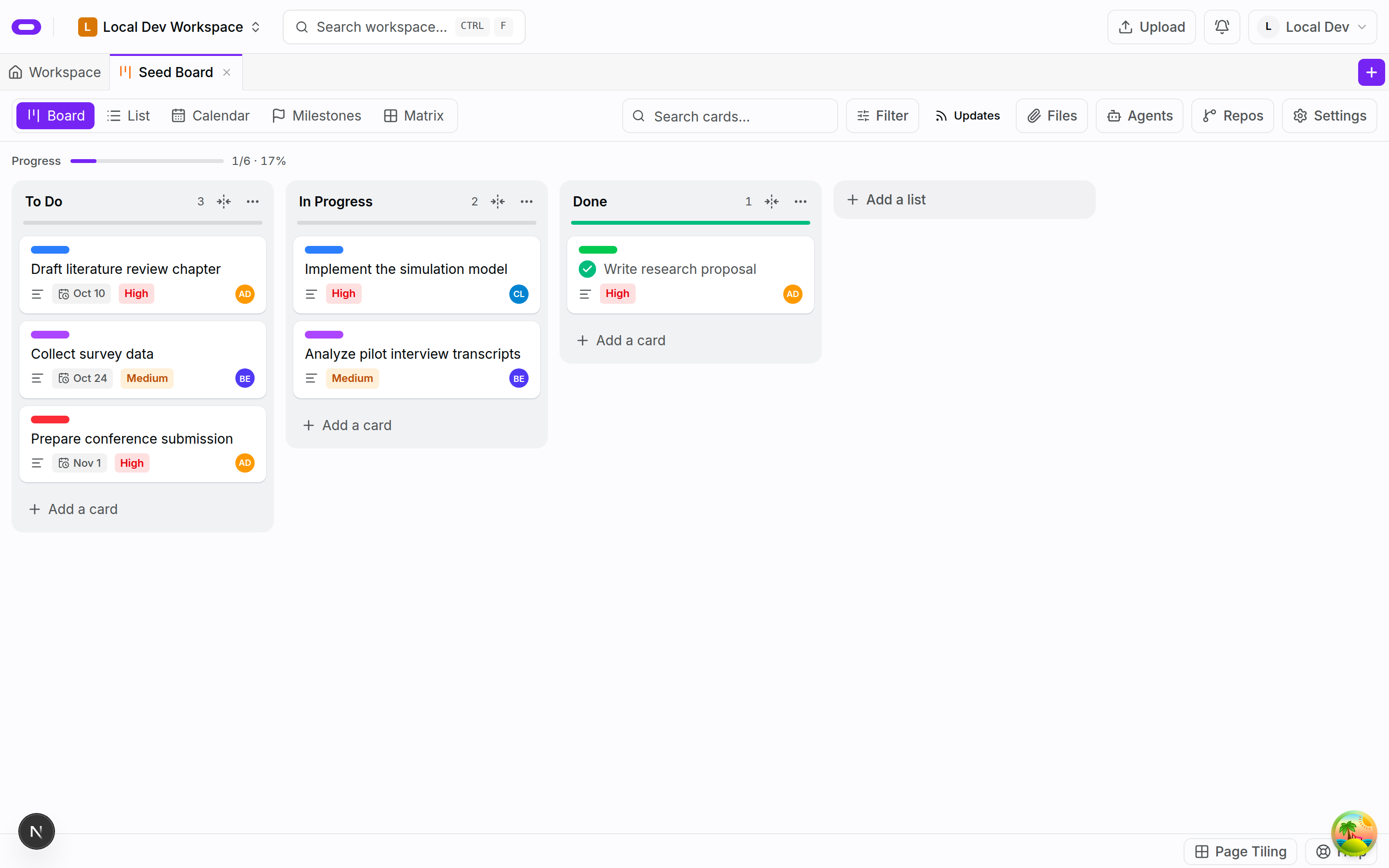
Shared briefs and task ownership
A card holds the intended result and supporting files as a task moves from the plan to work in progress and review. The next person or agent can return to that background. Ownership and progress are visible on the board, alongside the work still to do. The card provides a shared reference for the task rather than leaving its brief scattered across conversations.
A small, concrete task has a defined result, a named owner and relevant material attached. Those details give the person or agent doing the work a starting point. The brief remains available to both the contributor and the person reviewing the result.
Agent assignments and progress
The Kanban workflow supports agents connecting from a personal computer or from an Oyren codespace. The project board gives them a shared view of assignments and progress. Explicit ownership helps coordinate overlapping tasks. A board supports that coordination; it does not resolve a code conflict by itself.
The live coding agents are Claude Code, Codex CLI, opencode, Cursor CLI, Antigravity and Qwen Code, plus other installed agents. The coding-agent choice and the task brief have separate roles. The brief describes the work for the next contributor, regardless of which agent takes the task.
Progress notes and review
Progress notes record when work starts, encounters a blocker or produces a result for review. That result can be checked against the original brief before the task is considered finished. A moved card provides tracking information, but the work it represents still needs review.
Workspace notes hold longer explanations, while the board records the next action. Files, decisions and tasks remain in the same workspace as the project grows. This keeps the background for a task beside the assignments and results that depend on it.
Questions about ai agents kanban board
- Can agents on my computer use the board?
- Yes. The shared Kanban workflow supports agents connecting from a personal computer as well as an Oyren codespace. A project board provides the assignments and progress for that connection.
- Does a board prevent agents editing the same file?
- A board makes ownership and progress visible for task coordination. It is not a file lock or a guarantee that changes will never conflict.
- Which coding agents are live?
- Claude Code, Codex CLI, opencode, Cursor CLI, Antigravity and Qwen Code are the live coding agents, alongside other installed agents. The board records their assignments and progress.