Notes, boards and cloud machines for app development.
MCP server for notes, PDFs and project boards
A compatible MCP client can connect to workspace files and notes, with PDF text available after OCR. Project boards use a separate connection with assigned boards. These connections give compatible tools access to the workspace material and project tasks within their authorised scope.
See plans and usage pricing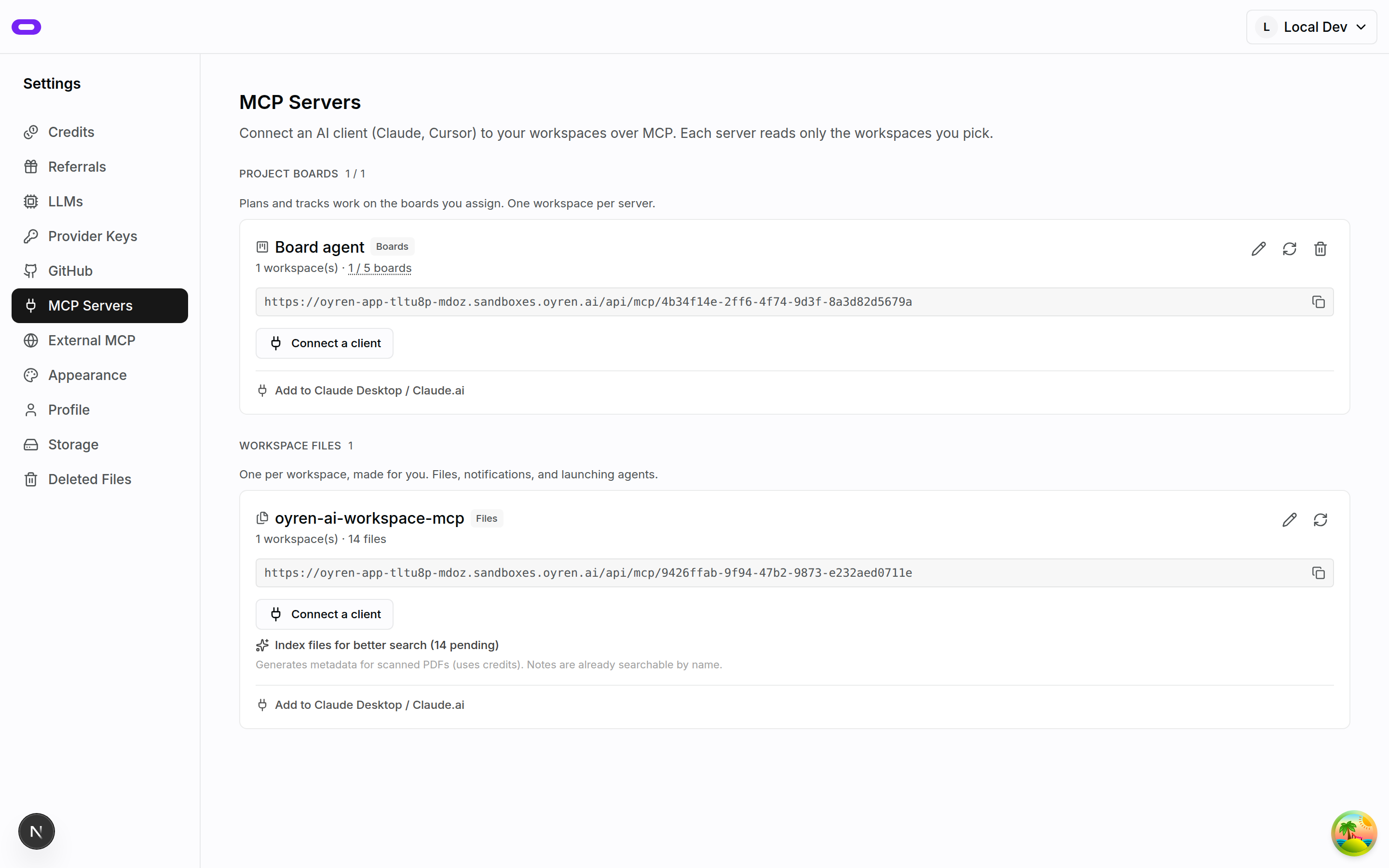
Workspace material in compatible MCP clients
Oyren provisions a default MCP server for workspace access. Compatible clients such as Claude Desktop and Claude.ai can use its tools to read workspace files and notes as background for questions. The client connects to the workspace and can ask about material within that connection. Its scope is defined; the connection is not a copy of conversations held elsewhere.
Notes and text files can supply readable content. PDF text comes from the document’s OCR scan output. If a PDF has not been scanned, the connection can identify the file but cannot return its text through that path. Scanning the PDF in Oyren makes its extracted text available for reading.
Separate connections for assigned project boards
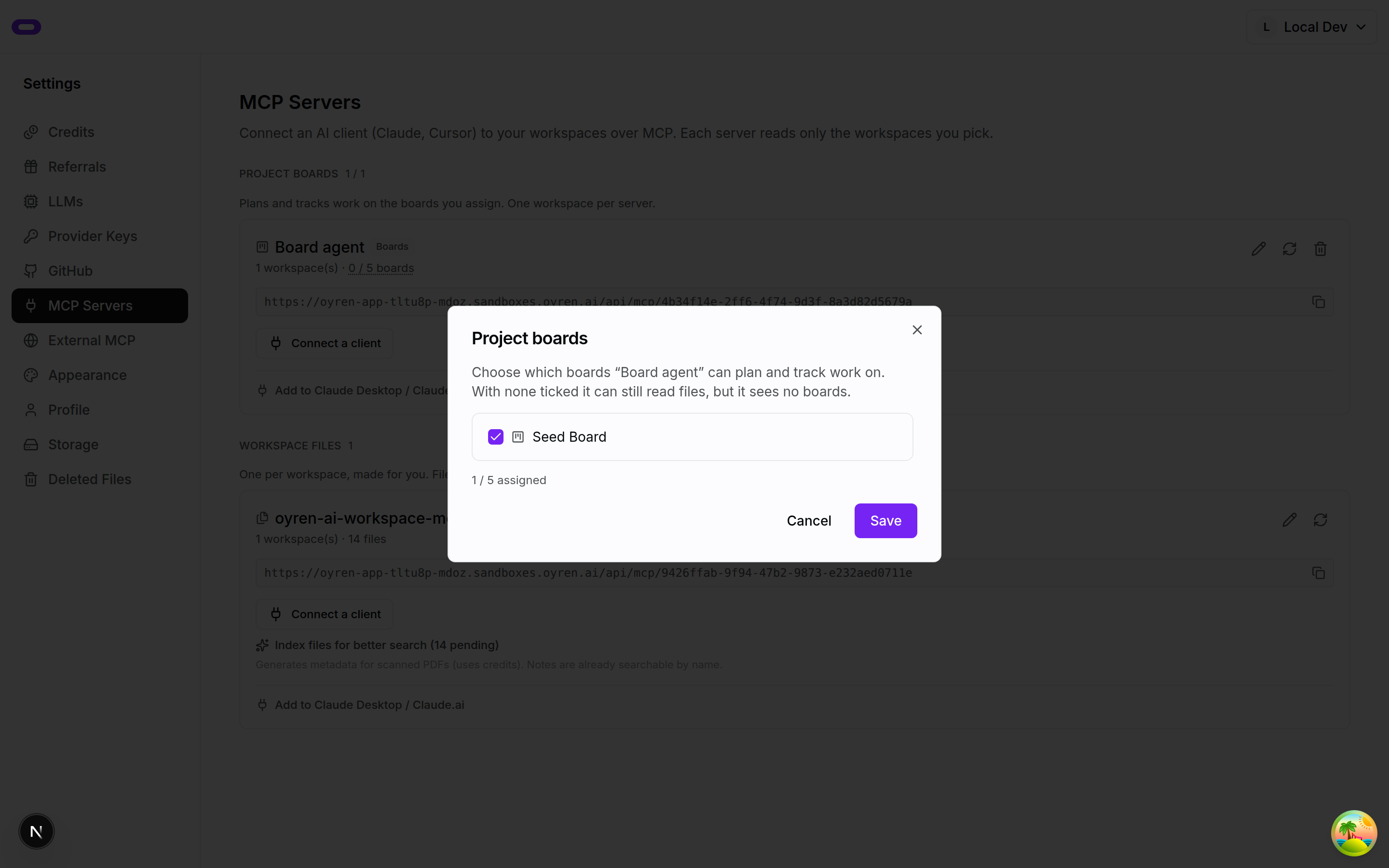
Project boards use a separate project MCP server, created through an explicit setup action. Assigned boards determine which projects that connection can reach. File access and board assignments have distinct roles: connecting a workspace server does not automatically assign every project board. The selected boards define the material available for project work.
The board connection provides project tools for tasks and progress beside the project brief. A concrete task can describe the intended changes and the result expected for review. The connection supplies the tools, while the brief records what a satisfactory outcome means for that work.
Connection authorisation and scope
The OAuth 2.1 connection flow requires sign-in and client authorisation. Its authorisation-code flow uses PKCE. Workspace and project scope determine the material a connection can reach. The workspace and assigned boards establish the context for the task; those choices remain relevant as the work changes.
Oyren also supports connections in the other direction. External MCP servers can be added in Settings for launched agents to use. This is separate from exposing Oyren files to an outside client. One connection brings workspace material into a compatible client; the other gives an Oyren agent access to an external tool.
Questions about mcp server for notes, pdfs and project boards
- Can Claude Desktop or Claude.ai connect?
- Yes. The workspace MCP connection supports compatible clients such as Claude Desktop and Claude.ai through its OAuth connection flow.
- Can the server read every PDF immediately?
- Readable PDF content comes from OCR scan output. An un-scanned PDF can be listed, but this connection does not return its text until that content is available.
- Are project boards connected automatically?
- No. The project MCP server needs explicit setup and board assignments. The default workspace server and the project server have separate roles.